AI Generated Image
4 Devices You Should Always Connect To 5GHz Wi-Fi (And 4 That Can Stay On 2.4GHz)
bgr.com • • technology
Key Points:
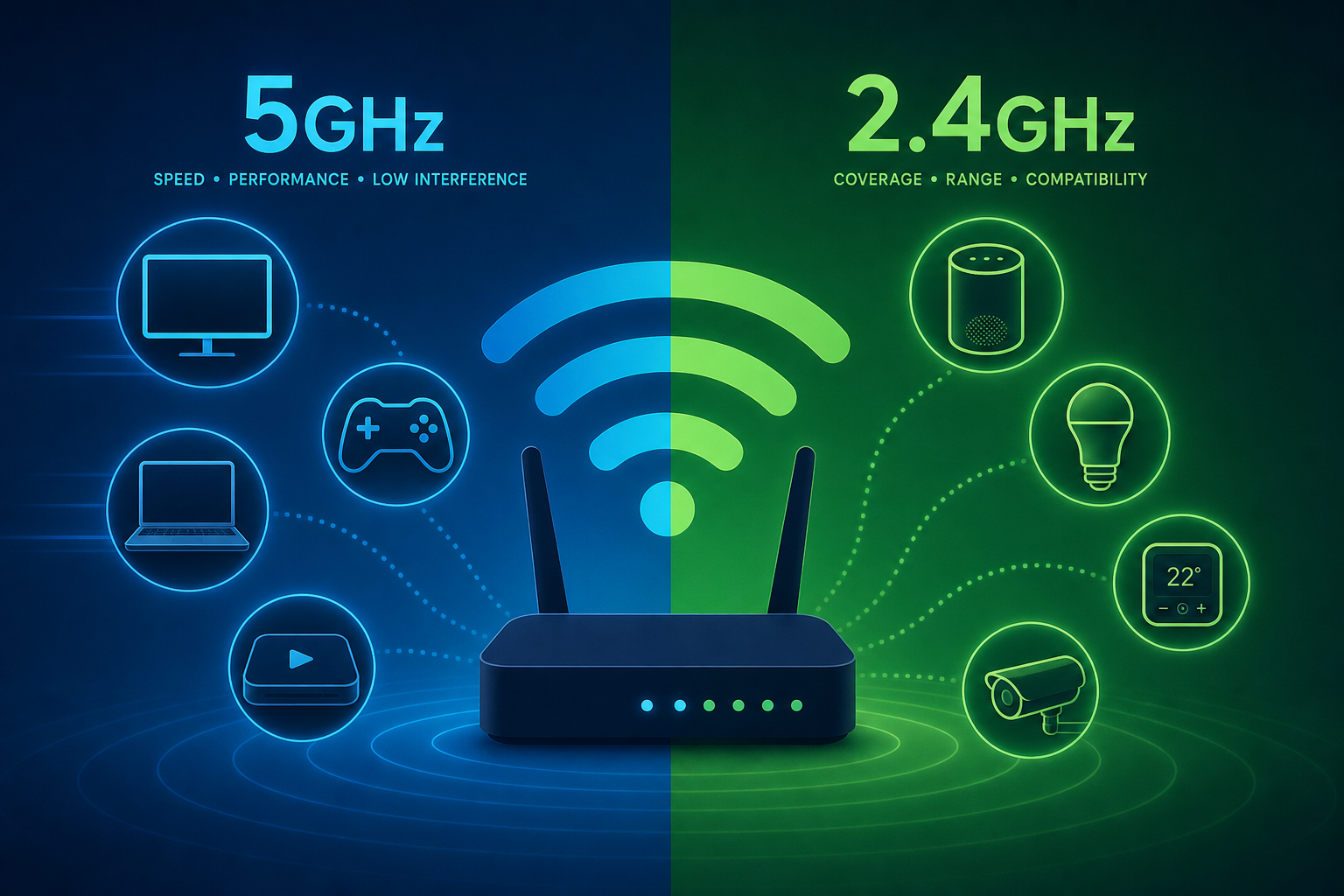
- Wi-Fi routers typically offer two main network bands: 2.4GHz, which provides greater range and stability but slower speeds, and 5GHz, which offers faster data transfer but shorter range; 6GHz is emerging but not yet common.
- Devices requiring high-speed internet, such as smartphones, tablets, streaming devices, gaming consoles, and work laptops, perform best on 5GHz networks when close to the router to avoid speed throttling and interruptions.
- For smart home devices, wearables, e-readers, and guest connections, the 2.4GHz band is recommended due to its better range, lower data demands, and to prevent congestion on the 5GHz band; guest networks should be isolated for security.
- Ethernet connections remain the optimal choice for gaming PCs and consoles to minimize lag and maximize download speeds, but if wiring is inconvenient, placing the router near gaming devices and using 5GHz Wi-Fi is a suitable alternative.
- To maintain network efficiency and security, smart home devices should use protocols like Zigbee, Thread, or Z-Wave, which often operate on 2.4GHz or sub-GHz frequencies, reducing Wi-Fi congestion and enhancing protection against hacking.


