AI Image
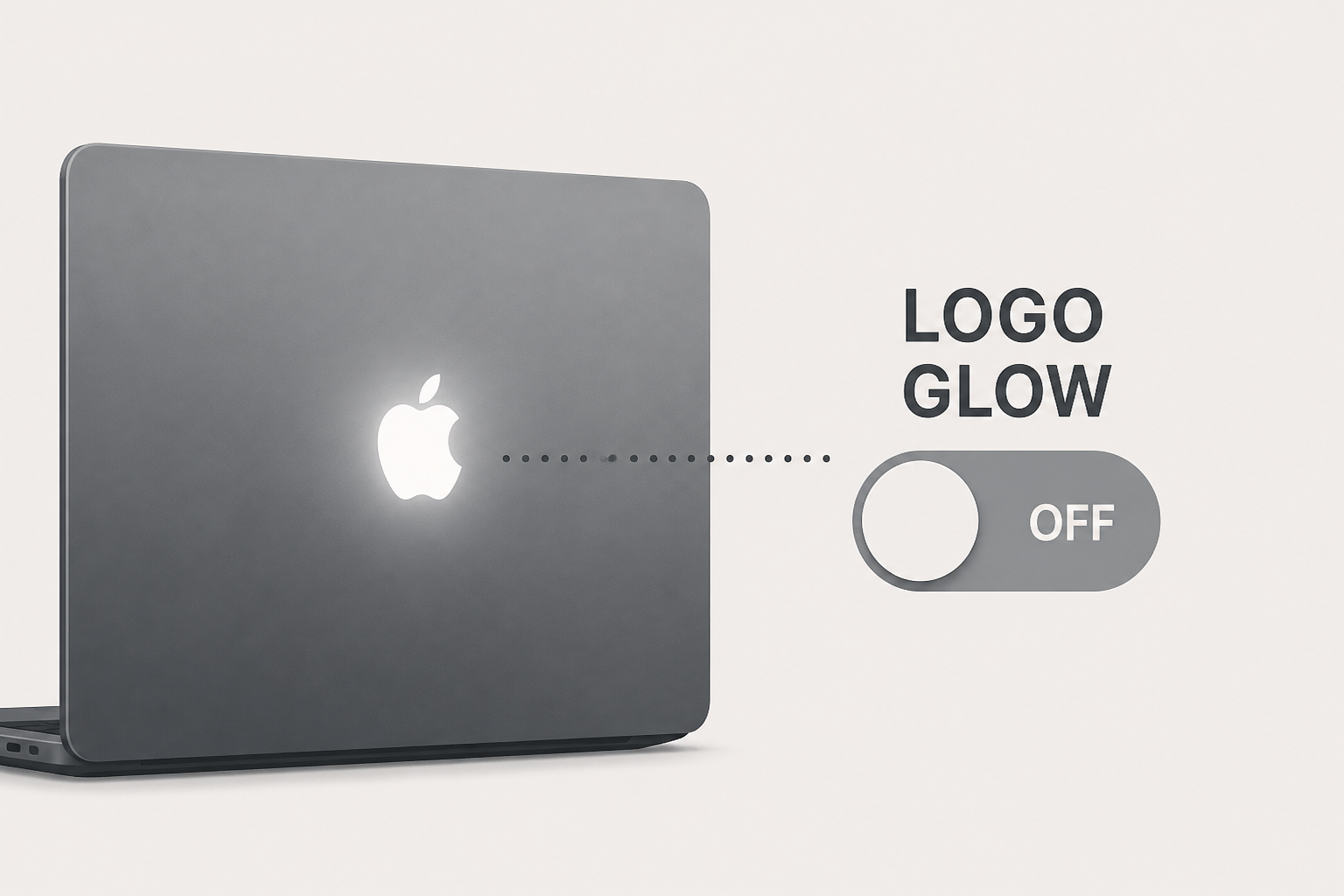
Apple explains how to turn off the new MacBook Pro’s glowing logo
9to5Mac • • general
Key Points:
- Apple has reintroduced the illuminated Apple logo on the new MacBook Pro with the PROLED XDR Display, a feature absent for about a decade.
- Unlike older models that used the display's backlight, the new MacBook Pro uses a different method to illuminate the logo, which adjusts brightness based on screen brightness and ambient lighting.
- When the MacBook Pro is closed, the logo appears as polished metal, similar to models since 2016.
- Apple provides an official method to disable the illuminated logo via a Terminal command requiring administrator access, with instructions also available to re-enable it.
- Reinstalling macOS will automatically turn the logo illumination back on, and users can refer to Apple's support document for full details.


