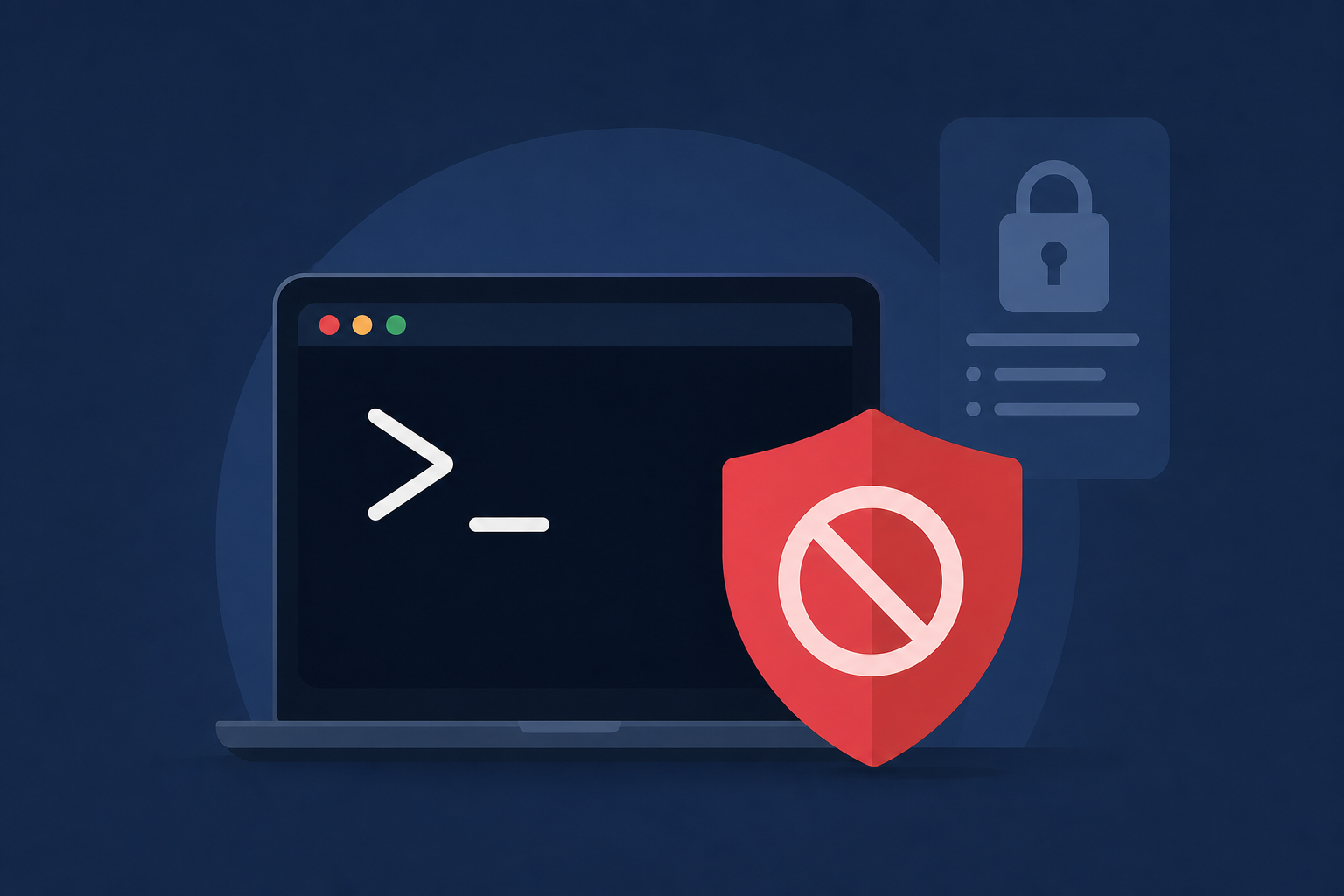
AI Generated Image
Apple reveals why macOS might block your Terminal prompt
9to5Mac • • technology
Key Points:
- macOS 26.4 introduced new security popups that warn users when pasting commands into the Terminal, aimed at preventing Terminal-based malware infections.
- Apple published a support document clarifying that these alerts typically appear for users who do not regularly use Terminal and paste commands from external sources like websites or messaging apps.
- Additional alerts such as “Malware Detected, Paste Blocked” or “Malicious Script Blocked” occur when macOS detects known malware in the pasted command or script, and these blocks cannot be bypassed.
- If users believe a command was mistakenly blocked due to incorrect malware reporting, Apple provides an option to report the error for review.
- The support document helps users understand the conditions triggering these Terminal warnings and reinforces macOS’s commitment to security against malicious scripts.


![Apple releases iOS 26.6 beta 2 for iPhone, here’s what to expect [U]](https://media-cdn.cashwalklabs.io/https%3A%2F%2Fs3.us-west-2.amazonaws.com%2Fimages.cashwalklabs.io%2F0_admin%2Fnews-ai-images%2F019ed1d3-3248-75fa-8981-d1d7b9ca82b6.webp?format=webp&w=120&h=80)


