AI Image
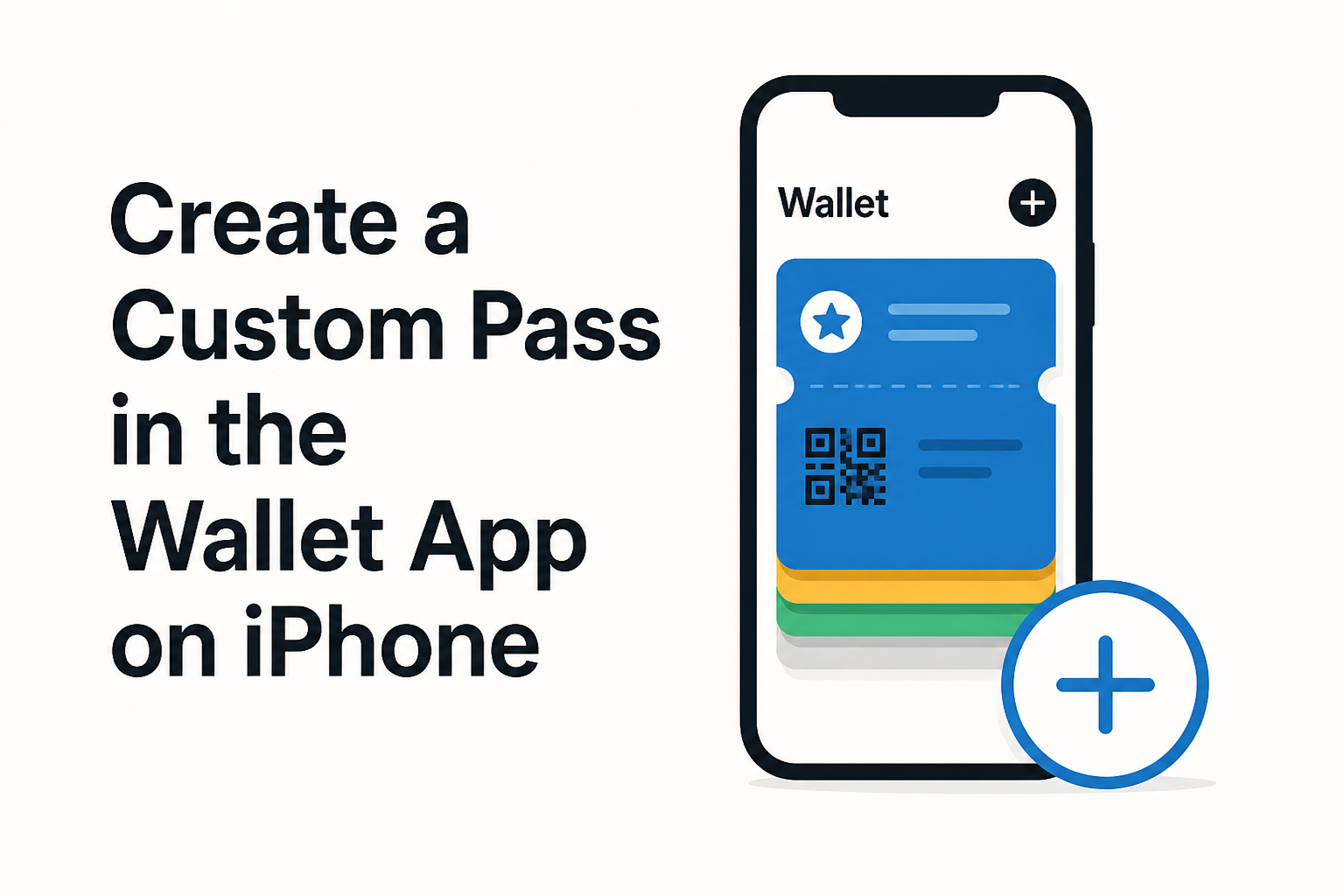
Create a Custom Pass in the Wallet App on iPhone
MacRumors • • general
Key Points:
- iOS 27's Wallet app enables users to create custom digital passes for event tickets, gift cards, loyalty cards, and more by scanning physical passes or manually entering details.
- The app uses Visual Intelligence to scan and match physical cards to templates, allowing users to tweak fields and customize appearance before adding them to Wallet.
- Users can choose from templates like "Membership," "Event," or "Custom," with options to adjust background colors, add images, and modify fields such as date, contact info, and coupon codes.
- Creating a pass involves opening Wallet, tapping the + button, selecting "Create a Pass," scanning the physical pass, editing details, and saving it for digital use.
- Custom passes can be edited anytime within the Wallet app by selecting the pass and choosing the edit option, providing ongoing flexibility for users.


