Google Brings Vertical Tabs and Improved Reading Mode to Chrome
MacRumors • • general
Key Points:
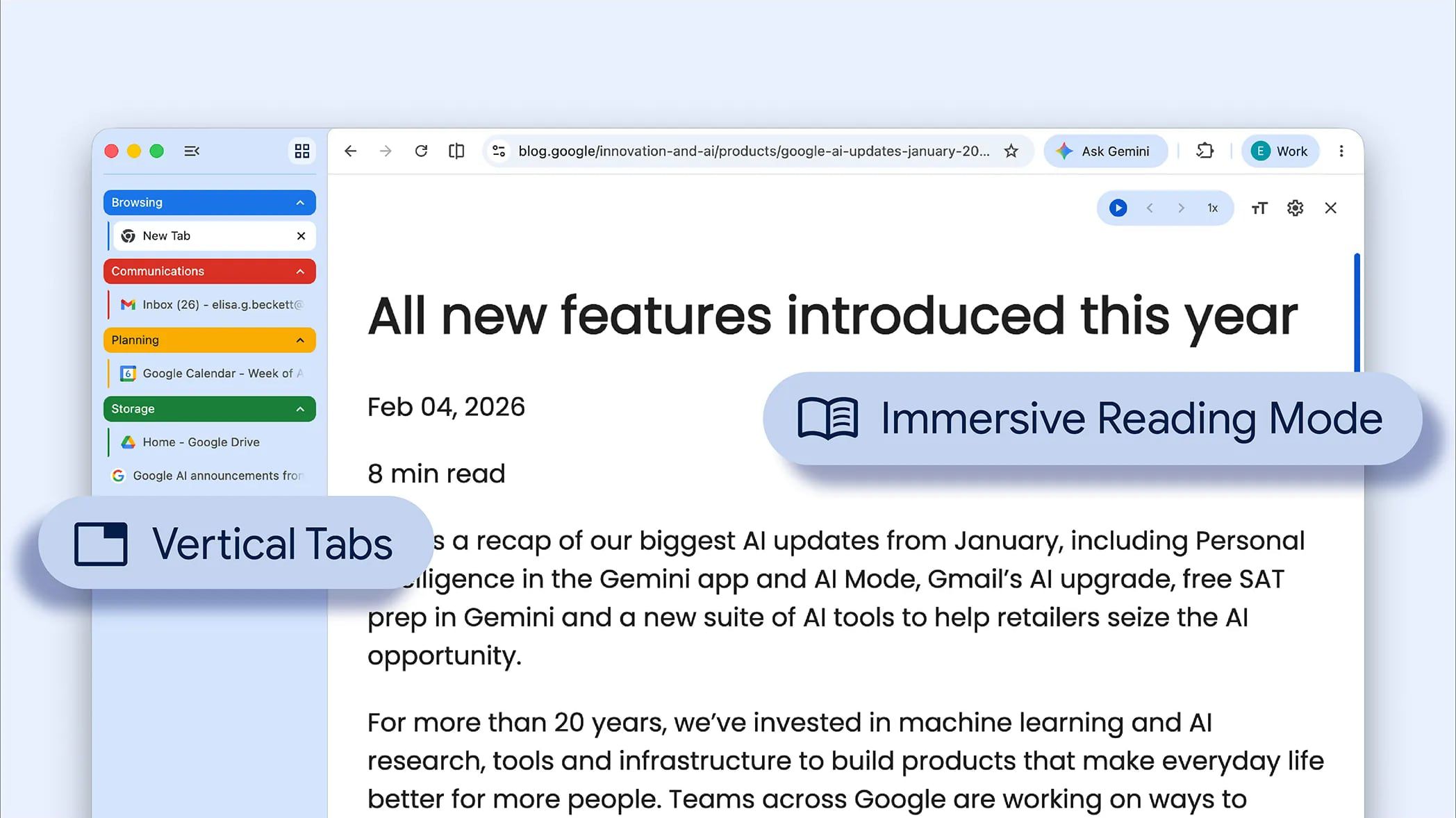
- Google Chrome now supports vertical tabs displayed in a sidebar, allowing users to organize tabs more easily with full page titles.
- Users can enable vertical tabs by right-clicking on any Chrome window and selecting "Show Tabs Vertically."
- A new full-page reading mode interface has been introduced, accessible by right-clicking a webpage and choosing "Open in reading mode," which removes distractions for a better reading experience.
- Both features are rolling out on the desktop version of Chrome starting today and will be available to all users soon.


 { path { fill: %23EEEFE9 } })


