AI Generated Image
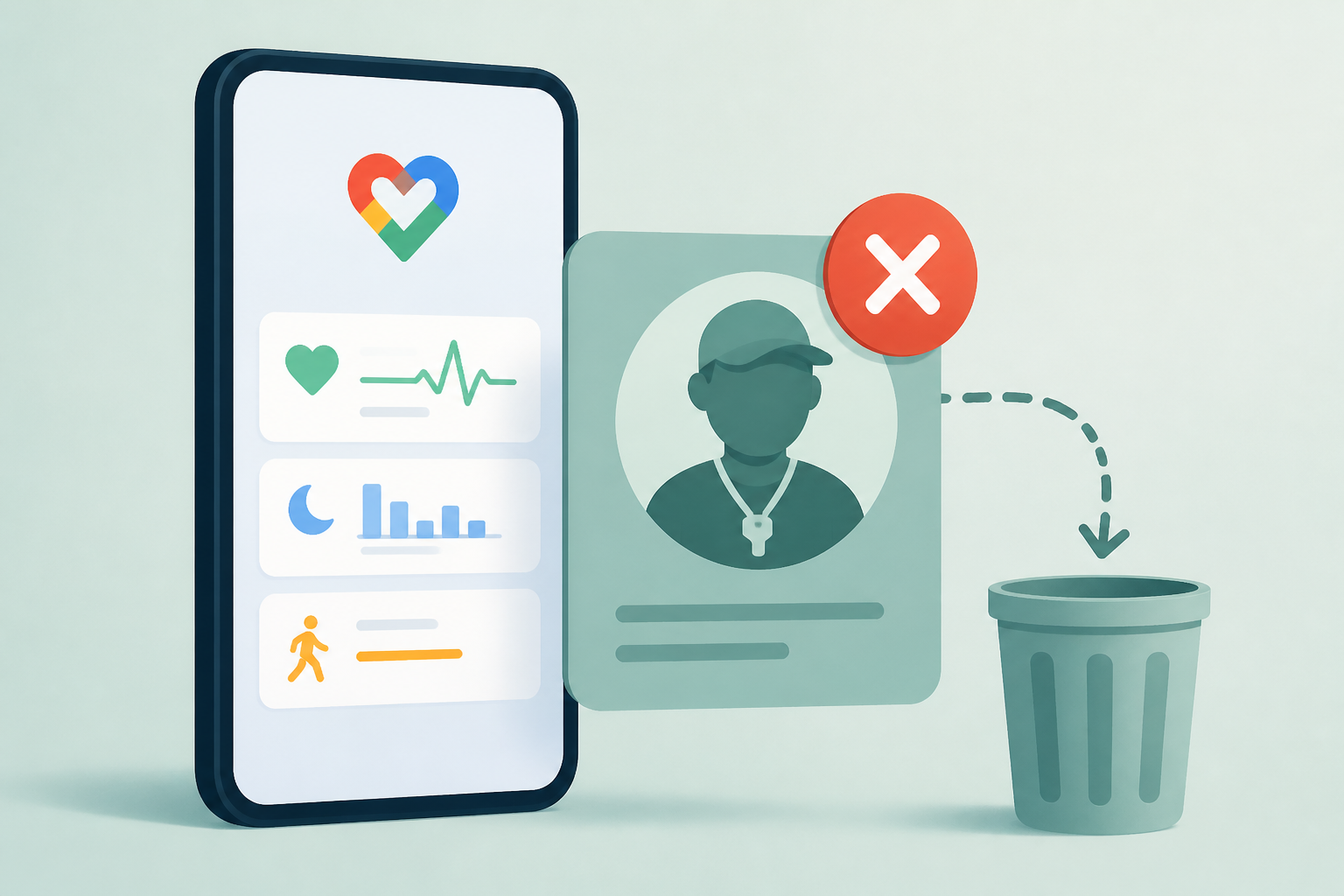
Google Health Update Lets You Get Rid of the Coach
Droid Life • • technology
Key Points:
- Google Health has released an update (version 5.06) allowing users to disable the Google Health Coach on the Today tab, providing an option for a cleaner, more streamlined interface focused on activity and sleep summaries.
- Users can now choose between two settings: “Standard” for full coaching insights and daily summaries, or “No Coach insights” to remove coaching messages while still accessing activity data.
- Despite disabling coach insights on the Today tab, on-demand access to the Google Health Coach and active fitness plans remains available anytime through the Fitness tab.
- The update also includes improvements to maps, fixing display issues and errors related to heart rate zones and pace tracking.
- To adjust these settings, users need to open Google Health, tap their profile icon, select “Google Health settings,” and then navigate to the “Coach” section.


