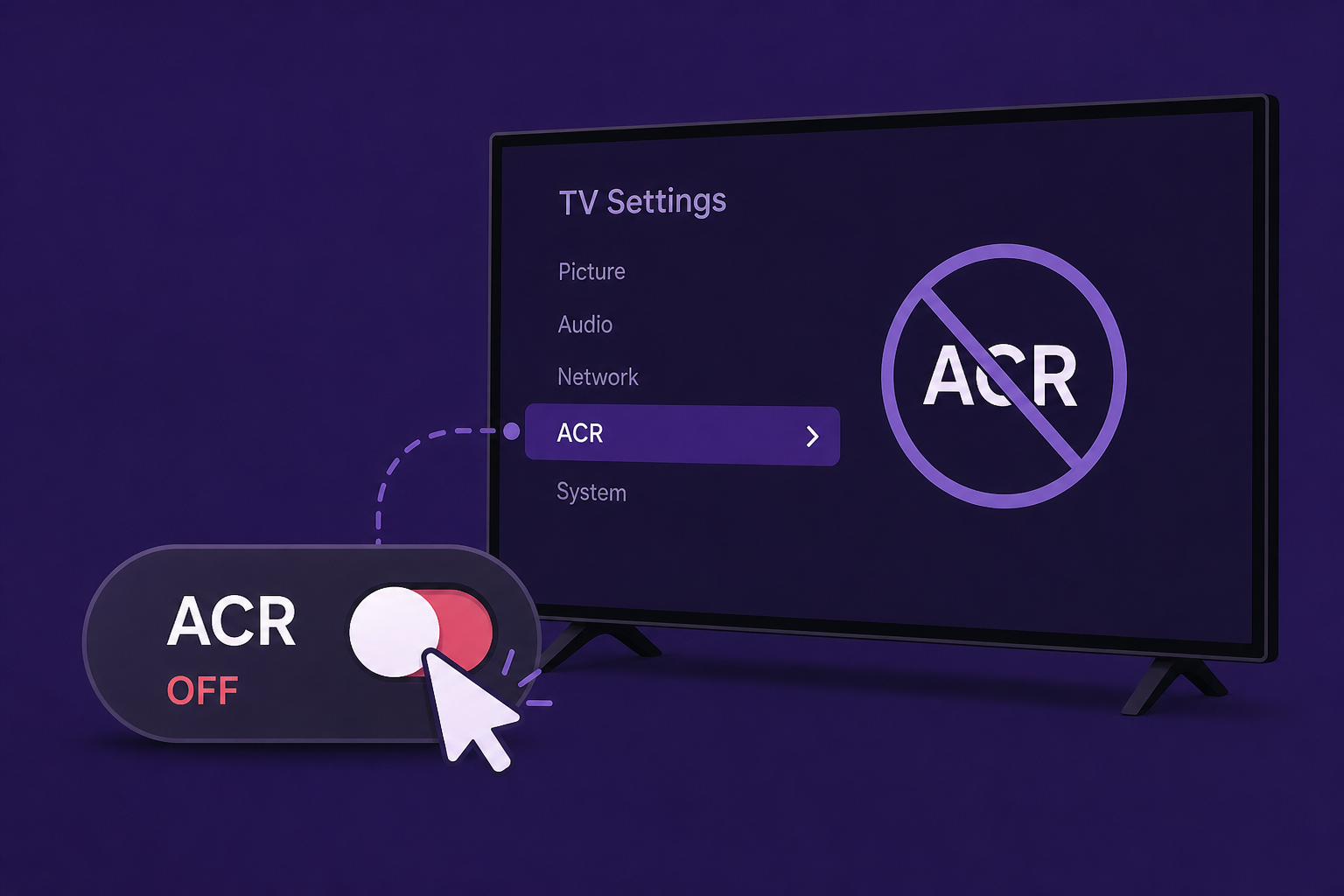
AI Generated Image
How to disable ACR on a Roku TV
Pocket-lint • • technology
Key Points:
- Many smart TVs, including Roku TVs, use advertising to subsidize costs, resulting in homescreens filled with banner ads and potentially intrusive data collection practices.
- Automatic Content Recognition (ACR) technology monitors the specific content displayed on your screen across all inputs, aiming to enhance targeted advertising but raising significant privacy concerns.
- ACR operates continuously in the background, tracking everything from live TV to HDMI devices, which can lead to comprehensive user profiling despite anonymization claims.
- Not all Roku devices have ACR enabled, but many Roku TVs do, often with the feature turned on by default or enabled during setup under vague terms like "Smart TV Experience."
- Users can disable ACR by navigating to Settings > Privacy > Smart TV Experience on their Roku TV, but previously collected data remains accessible to Roku and partners without a straightforward way to delete it.


