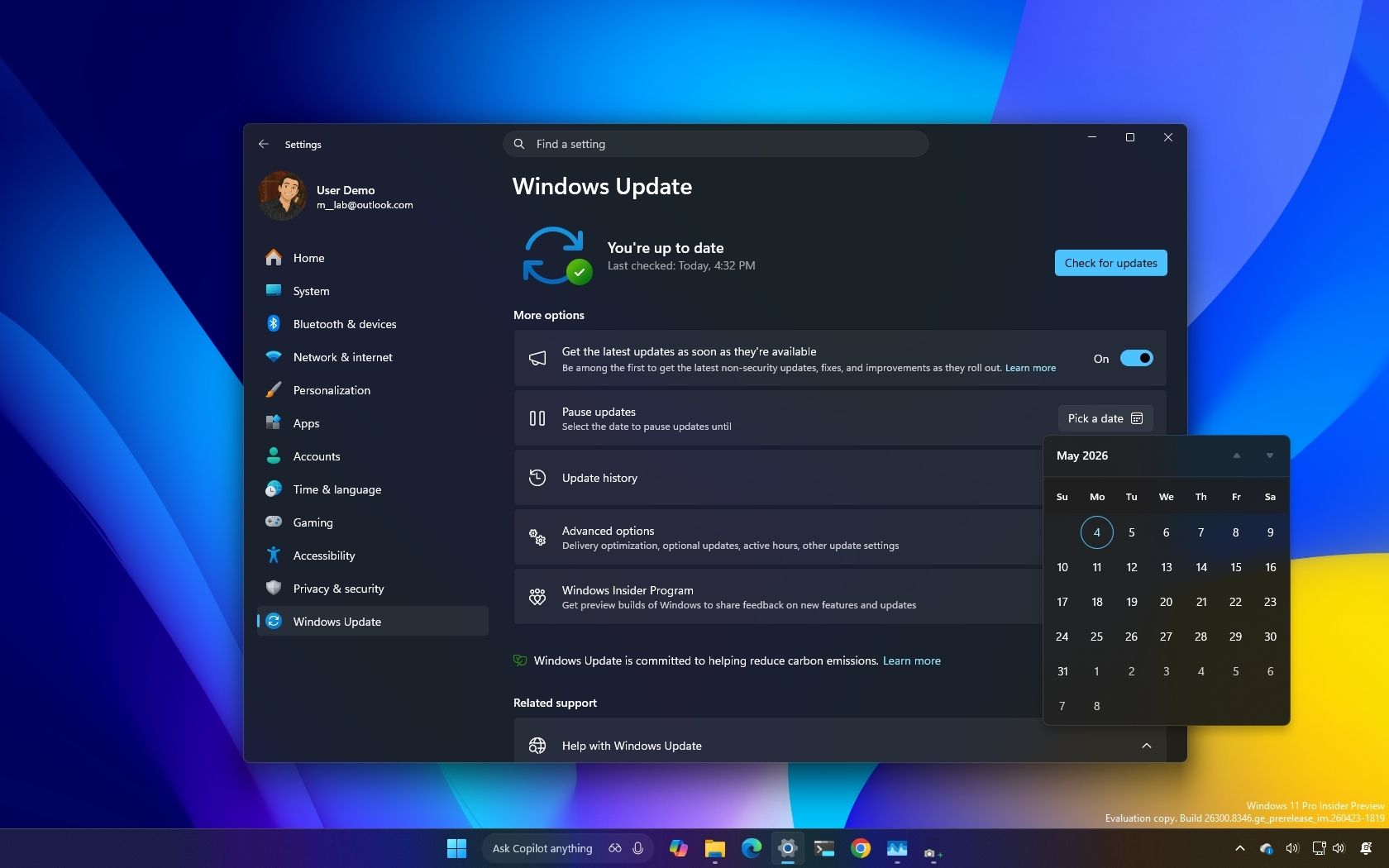
I dug into the new Windows Update rules coming to Windows 11, and these are the 5 things you need to know
Windows Central • • technology
Key Points:
- Microsoft is introducing several improvements to Windows 11 updates, including new pause controls with indefinite rescheduling, a redesigned Power menu that separates update actions from restart and shutdown, and enhanced update visibility with detailed driver labels and a collapsible "Available updates" view.
- The update process will now bundle firmware, driver, and product updates into a single monthly cycle to reduce the number of required system restarts, addressing a common user complaint about multiple reboots.
- A new background system will automatically fix update installation failures, aiming to eliminate the need for manual troubleshooting and repeated installation attempts.
- Windows 11 now allows users to skip system updates during the Out-of-box Experience (OOBE), though skipped updates will not download until manually triggered or automatic updates resume.
- While these changes reduce some frustrations and add more user control, Microsoft still maintains significant influence over updates, as indefinite pauses require manual renewal and the system defaults to automatic updates if the pause lapses.


