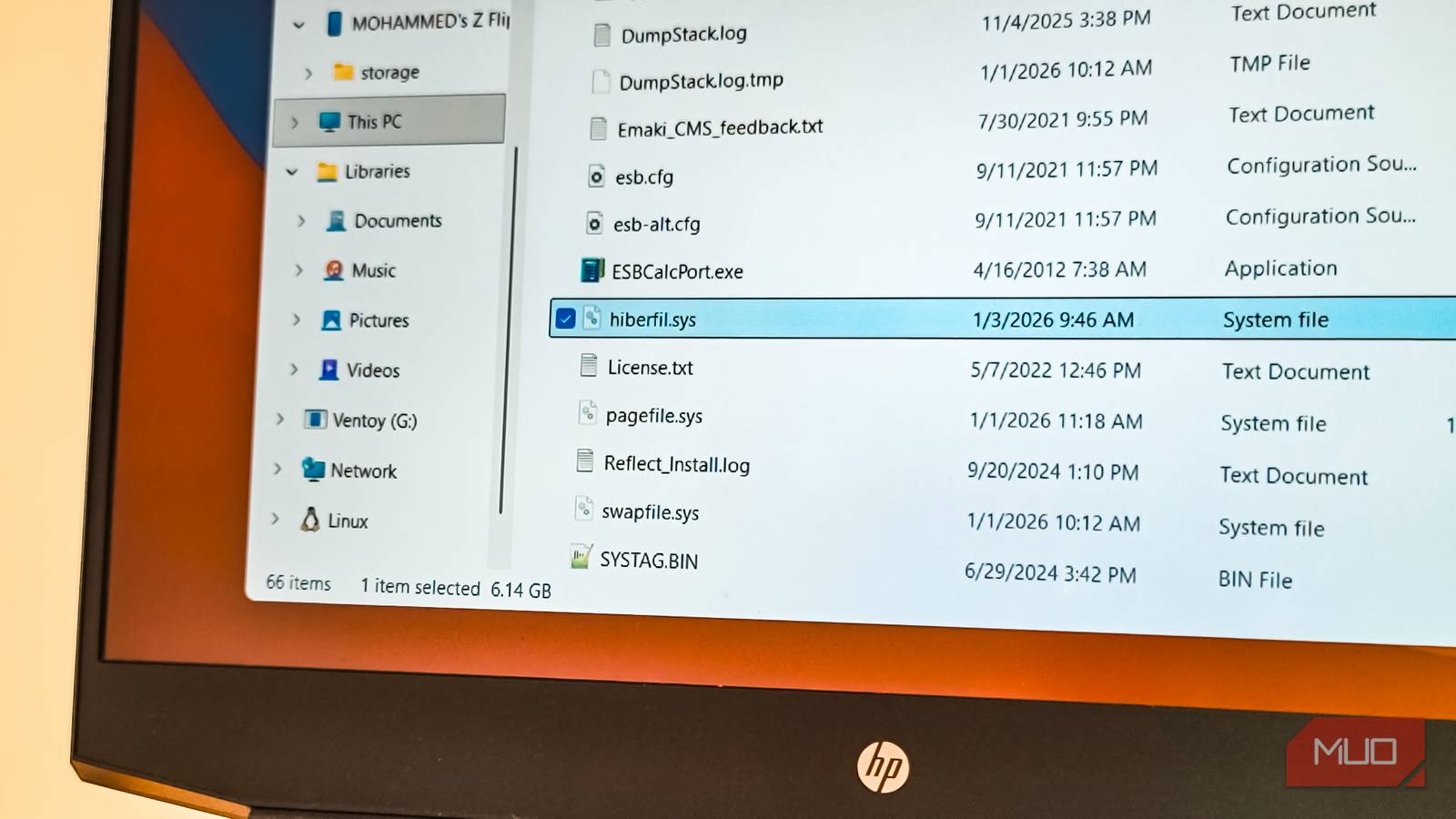
If you don't use Hibernate on Windows, delete this massive hidden file now
MakeUseOf••technology
Key Points:
- The hiberfil.sys file is a system file used by Windows to store the contents of RAM during hibernation and to enable the Fast Startup feature, consuming roughly 40% of installed RAM in disk space.
- Hibernation saves your session to disk and powers off the PC completely, useful for preserving work over long periods without power use, but many users prefer sleep mode or full shutdowns for faster resumes and system refreshes.
- To delete hiberfil.sys and reclaim disk space, hibernation must be disabled via an elevated Command Prompt using the command "powercfg -h off," which also disables Fast Startup and hybrid sleep features.
- Disabling hibernation removes the hibernate option from power menus and slightly increases cold