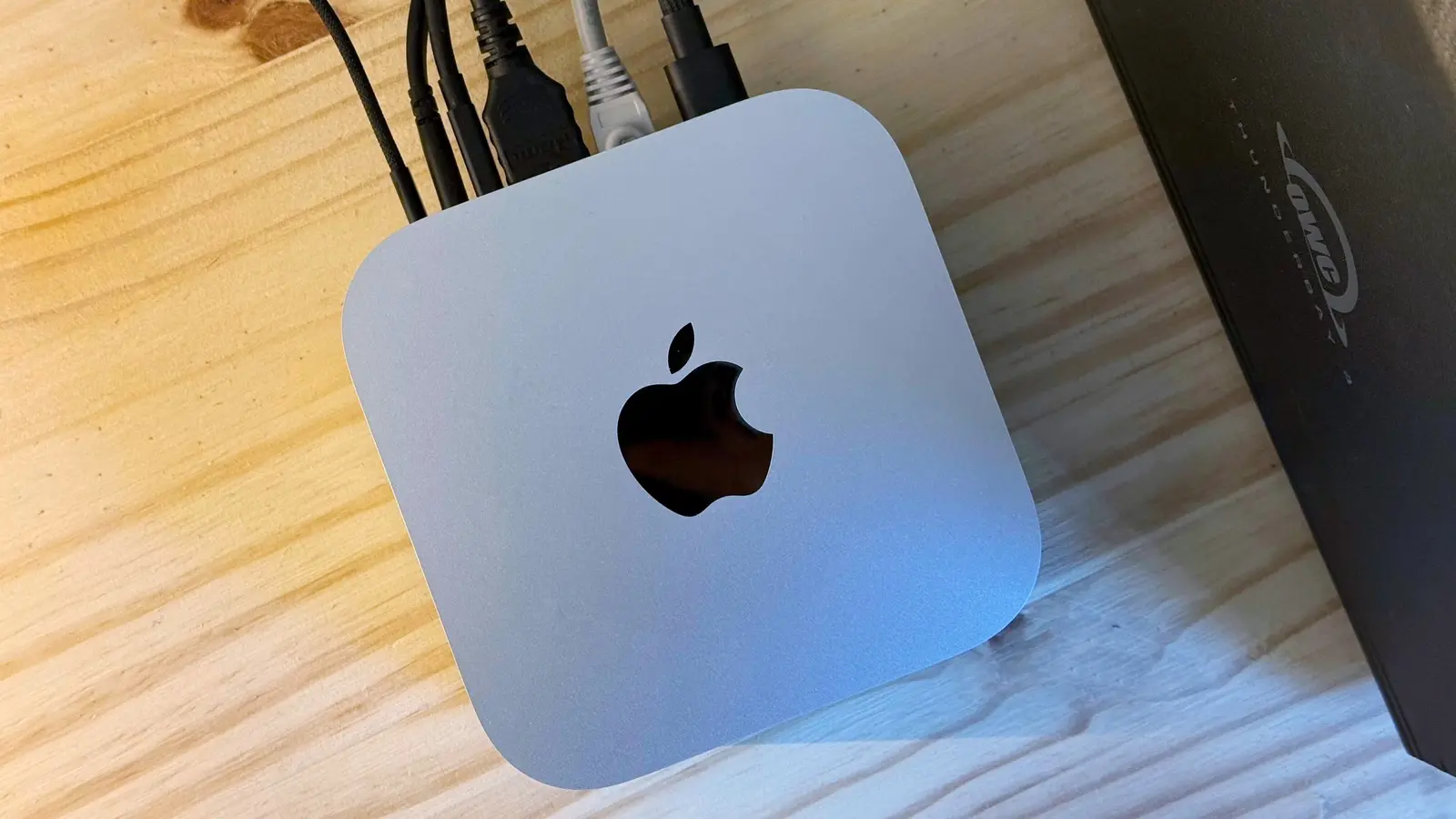
Mac mini slow? Here's how I fixed mine
Cult of Mac • • technology
Key Points:
- After a year of use, the M4 Pro Mac mini began feeling slow despite having sufficient memory and no clear hardware limitations, prompting the owner to consider upgrading.
- Investigation revealed that high CPU usage by certain background apps like Google Drive and multiple overlapping utilities were causing sluggishness; uninstalling or disabling these apps significantly reduced CPU load.
- Disabling unnecessary startup programs and clearing stuck local Time Machine snapshots freed up system resources and storage, improving overall system responsiveness.
- Cleaning up Chrome by removing unused extensions and managing numerous open tabs with the vertical tab switcher helped reduce Chrome’s memory footprint from 16GB to about 10GB, enhancing performance.
- The main lesson was that poor workflow habits and running multiple resource-heavy apps simultaneously, rather than hardware limitations, caused the slowdown; decluttering and managing background processes restored smooth performance without needing an upgrade.


