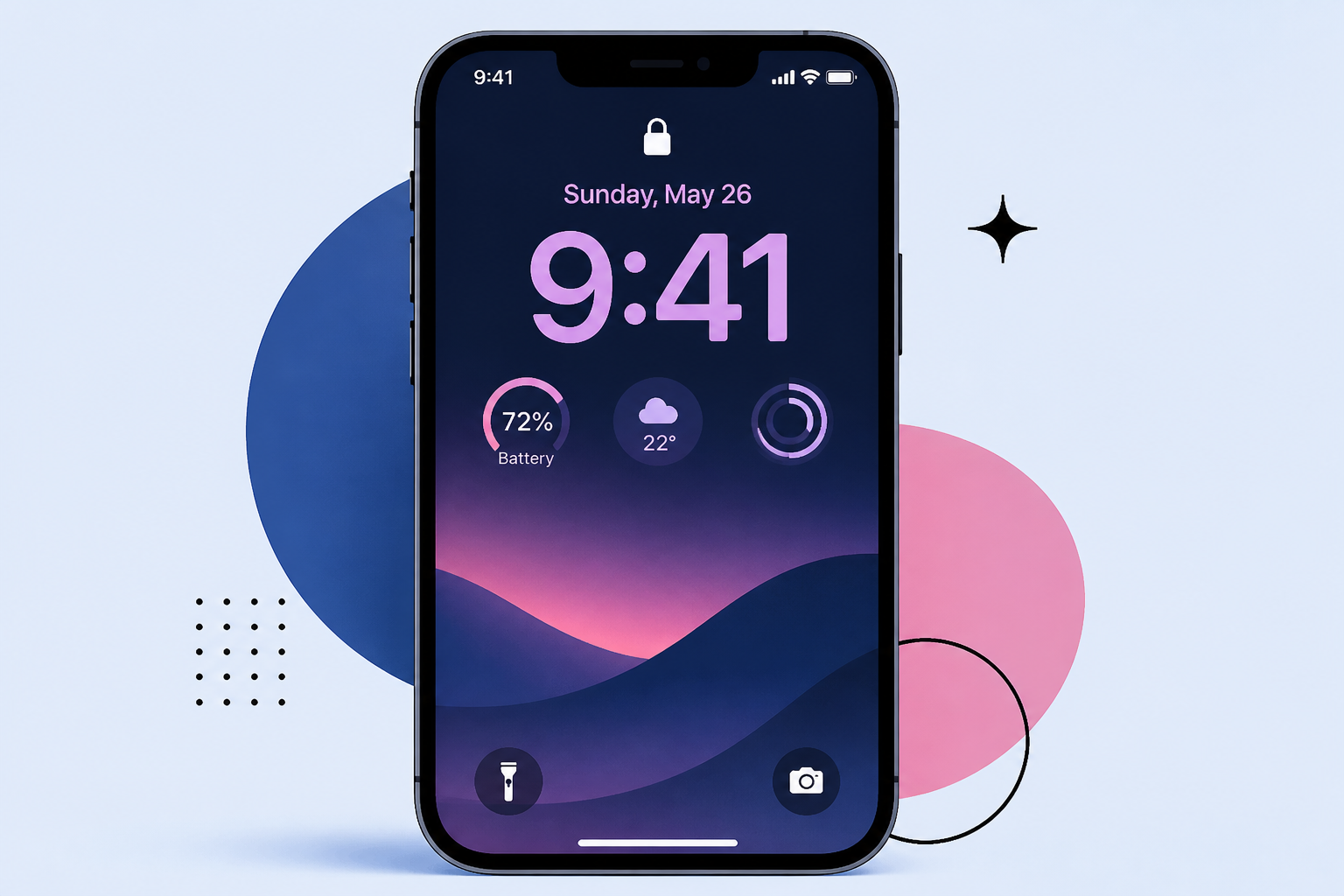
AI Image
These iPhone Customizations Can Make Your Lock Screen Look Cooler
BGR • • general
Key Points:
- Apple has progressively enhanced iPhone Lock Screen customization from simple wallpaper changes to adding widgets, Live Activities, and extensive tweaks to clocks, fonts, and color filters, especially with the latest iOS 27 update featuring new Siri AI capabilities.
- iOS 27 introduces an "Extend" feature that uses on-device AI to intelligently zoom out and recreate parts of a wallpaper image for better Lock Screen fitting, allowing more personalized visual presentation.
- Users can now shrink the Lock Screen clock to a minimalistic size, customize Action Button and Camera Control shortcuts, and replace default widgets with preferred options for quicker access.
- Apple's Focus Modes, introduced in iOS 15, enable users to create different Lock Screen and Home Screen setups tied to specific activities, locations, or times, helping manage notifications and tailor the phone experience throughout the day.
- The new AI-generated wallpaper feature in iOS 27 allows users to create unique Lock Screen backgrounds from photos, memoji, or text prompts, and users can also remove the Now Playing card for a cleaner Lock Screen look.


