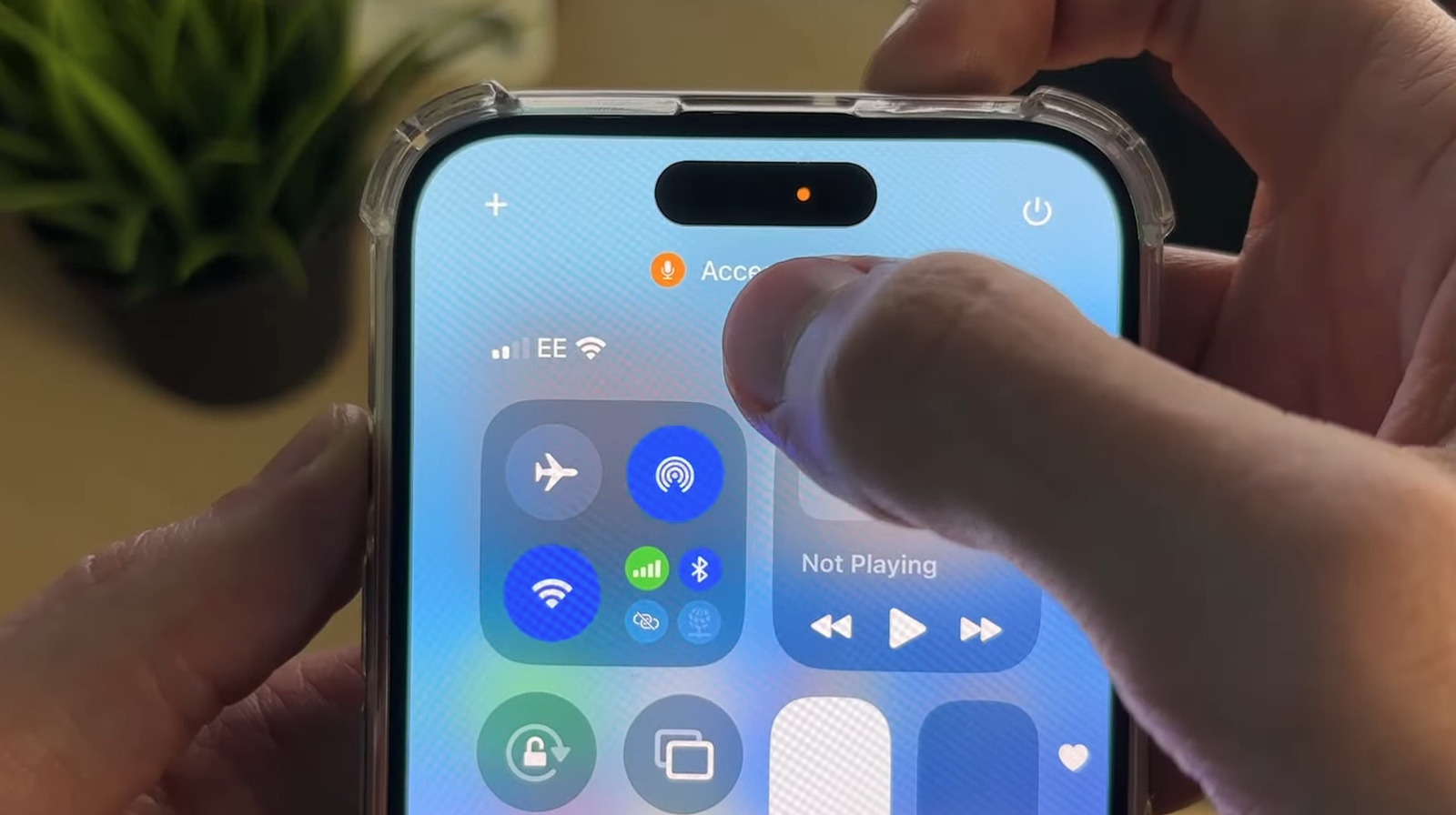
Why There's A Black Dot On Your iPhone's Screen (And How To Turn It Off)
bgr.com • • technology
Key Points:
- The iOS 18.4 update introduced a new cosmetic change to the privacy indicators on iPhones: a black dot background behind the existing orange and green dots that signal microphone and camera usage, respectively.
- The green dot indicates camera use, while the orange dot signals microphone use; these indicators were moved from the Dynamic Island to improve visibility.
- To stop the dots from appearing, users can close the app accessing the camera or microphone or revoke the app’s permissions via Settings > Privacy & Security.
- Users are advised to monitor these indicators closely, as unexpected activation could signal unauthorized app activity or malware, especially if apps are not known to be using these features.
- To protect against potential security risks like “juice-jacking


