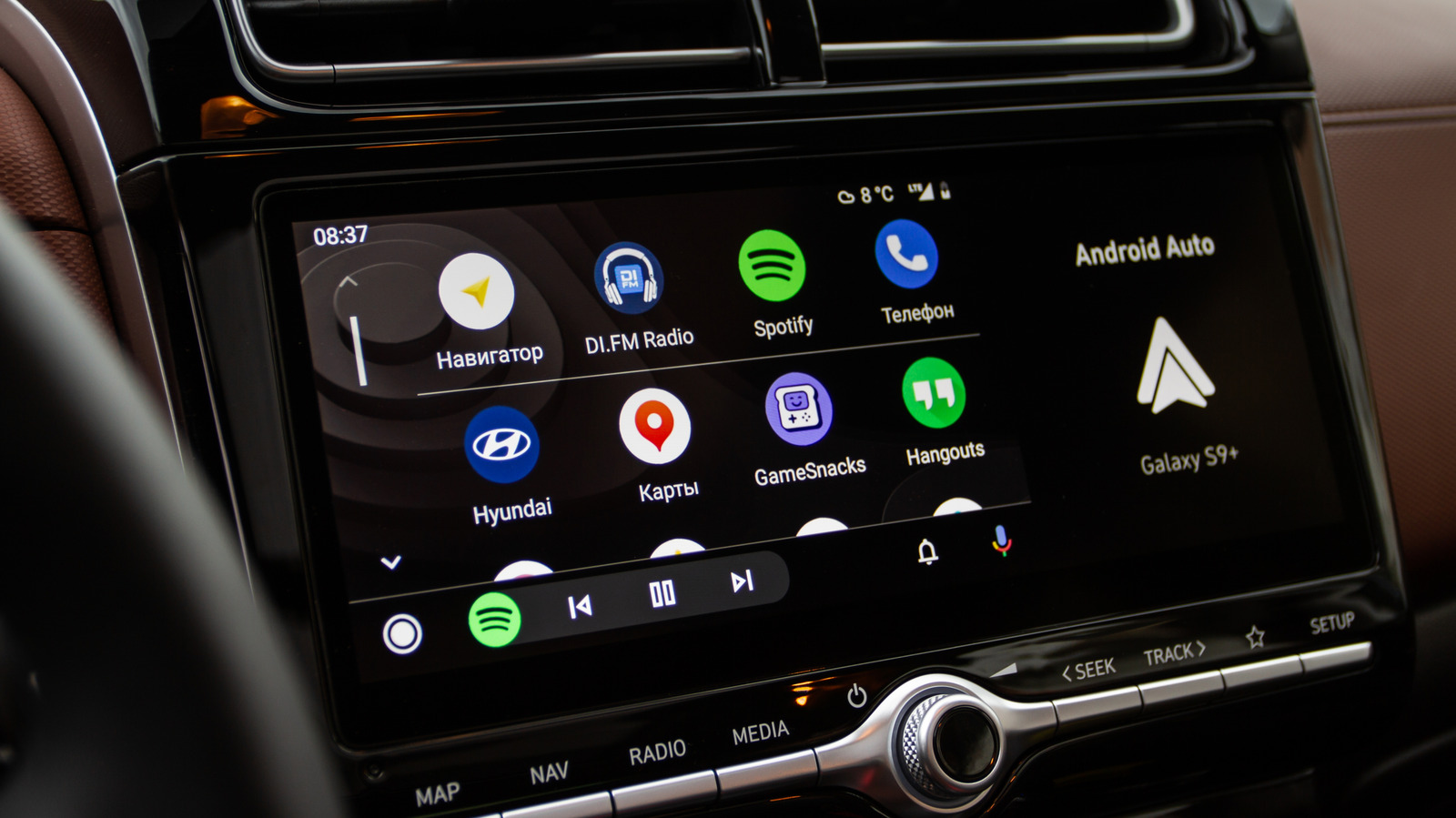
5 Clever Ways To Use Gemini On Android Auto
bgr.com • • technology
Key Points:
- Google Assistant on Android Auto has been replaced by Google Gemini, an AI model that offers enhanced voice-controlled features for in-vehicle infotainment. Users can activate Gemini via voice commands, screen microphone, or steering wheel buttons.
- Gemini simplifies navigation by allowing users to add stops, get directions, and access local information without memorizing commands, helping drivers keep their eyes on the road.
- The assistant integrates with email and messaging apps, enabling users to check, summarize, and respond to messages in over 40 languages, including sending group messages and adding emojis through voice commands.
- Gemini helps find food locations along routes, providing details such as operating hours, popular menu items, and dog-friendly options, and can also offer regional information for travelers.
- Music and entertainment are supported with voice requests for specific songs, albums, playlists, or radio stations, and Gemini can hold conversations, answer questions, and provide practical suggestions, enhancing the overall driving experience.


