AI Generated Image
5 Common Problems Owners Have With Apple AirPods
bgr.com • • technology
Key Points:
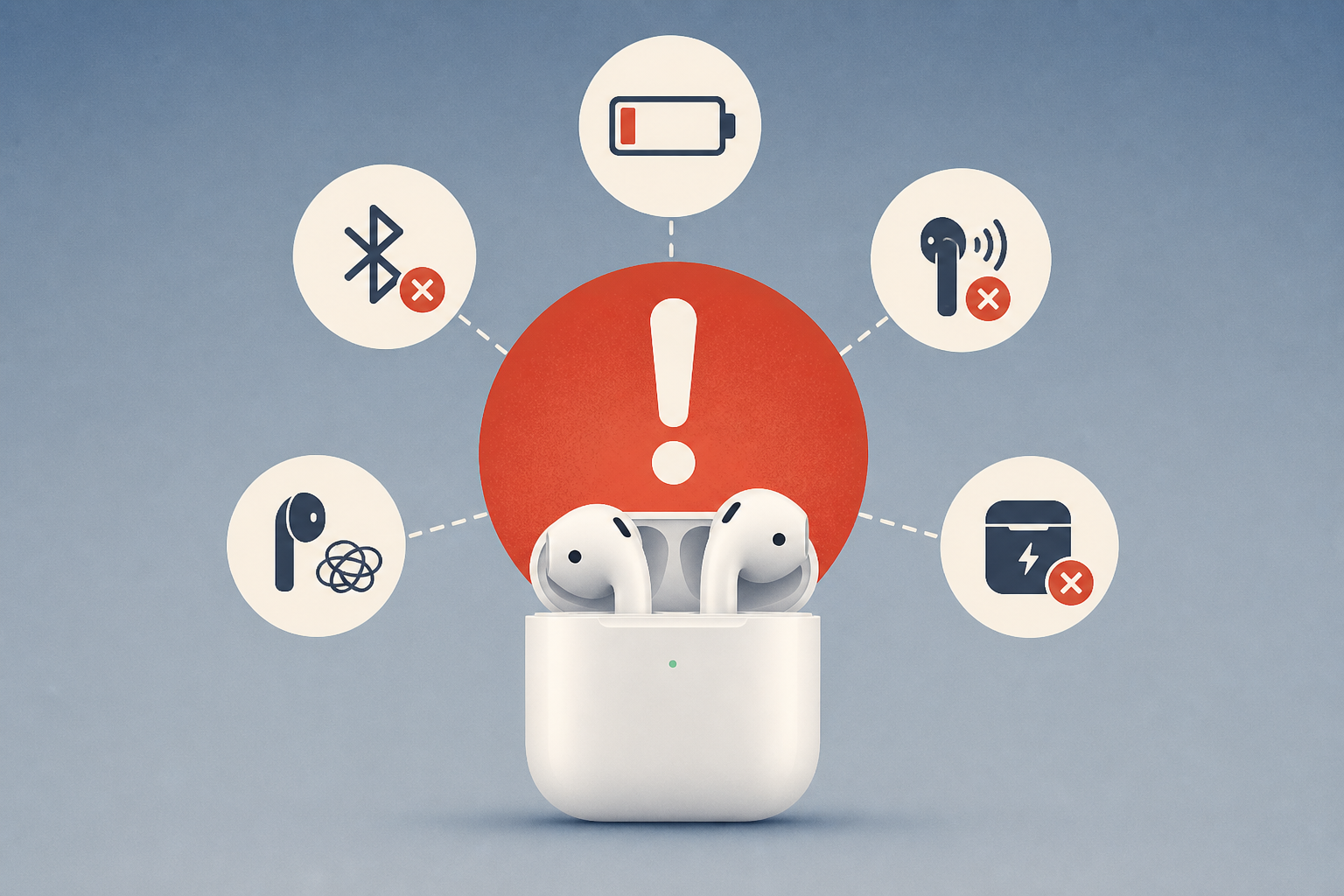
- AirPods users commonly face issues such as charging problems, connection failures, random disconnections, single earbud malfunction, and muffled microphone audio, many of which can be resolved through simple troubleshooting steps.
- Charging problems often result from dirty contacts or faulty cables; cleaning the AirPods and case with isopropyl alcohol and using different chargers can help restore proper charging functionality.
- Connection issues can be fixed by updating the iPhone, restarting devices, disconnecting AirPods from other paired devices, and following specific pairing procedures, including toggling Bluetooth off and on during pairing.
- Random disconnections may be resolved by disabling Automatic Ear Detection and adjusting settings like Personalized Spatial Audio, Personalized Volume, and microphone assignment, or by performing a factory reset on the AirPods.
- If one AirPod stops working, cleaning and fully charging the case and earbuds are recommended, followed by a factory reset if necessary; muffled microphone issues can often be fixed by switching the active microphone between earbuds, adjusting mic modes during calls, cleaning the mic area gently, or resetting the AirPods.


