AI Generated Image
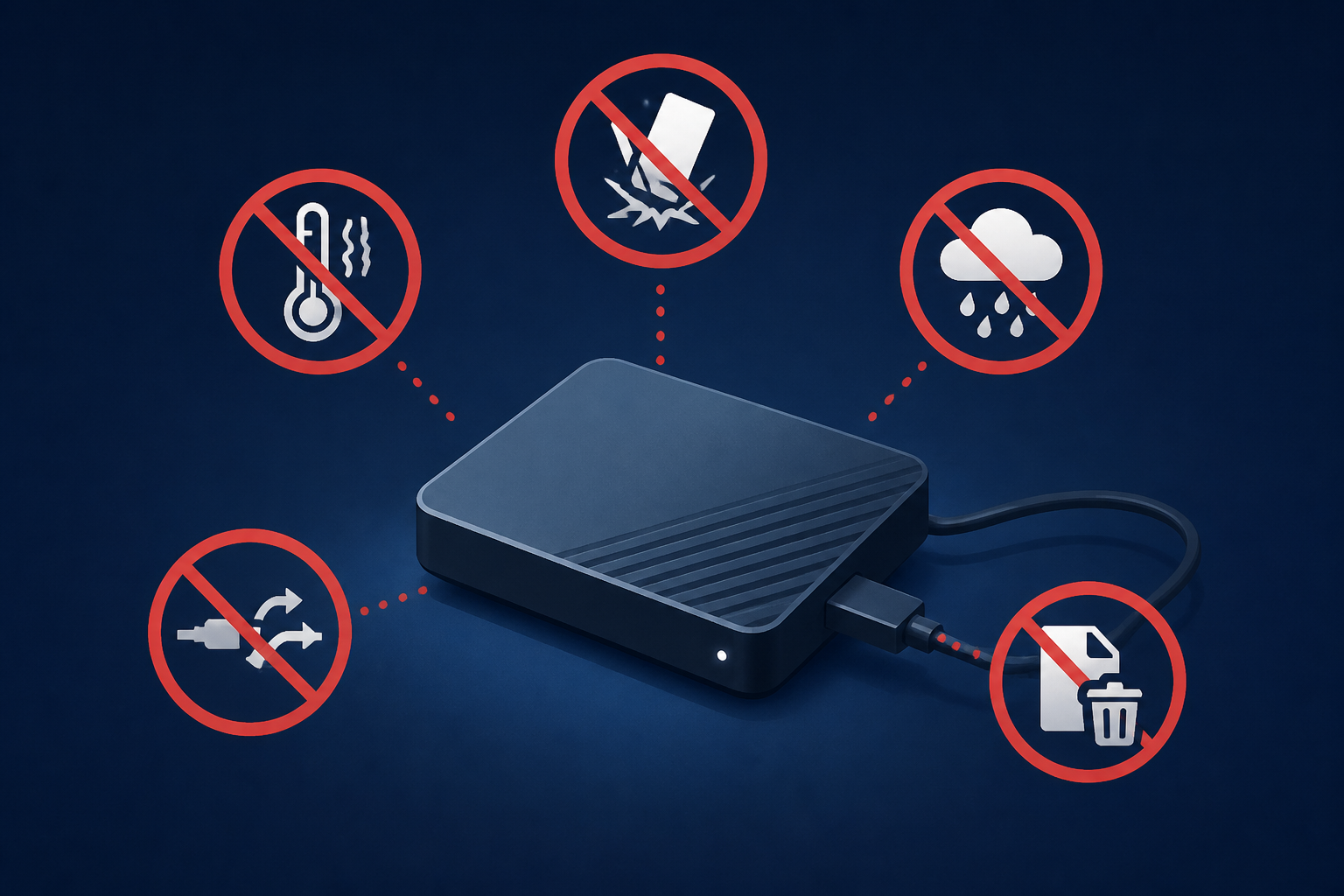
5 Things To Stop Doing If You Have An External SSD
bgr.com • • technology
Key Points:
- External SSD prices have surged due to a memory crisis, making it crucial to extend the life of existing drives through proper care and usage practices.
- Always safely eject external SSDs before unplugging to avoid file system corruption, and run file repair utilities if unexpected disconnections occur; enable "Quick Removal" in Windows but prioritize safe ejection.
- Maintain at least 10% free space on your SSD to prevent performance degradation caused by excessive write amplification and allow the internal controller to perform efficient garbage collection.
- Avoid defragmenting SSDs as it accelerates wear without performance benefits; instead, use TRIM-based optimization tools to help the drive manage unused data blocks effectively.
- Prevent overheating by ensuring proper ventilation during intensive tasks, and avoid storing SSDs unused for long periods without power to reduce the risk of data corruption; use the 3-2-1 backup strategy and refresh offline SSDs every few months.


