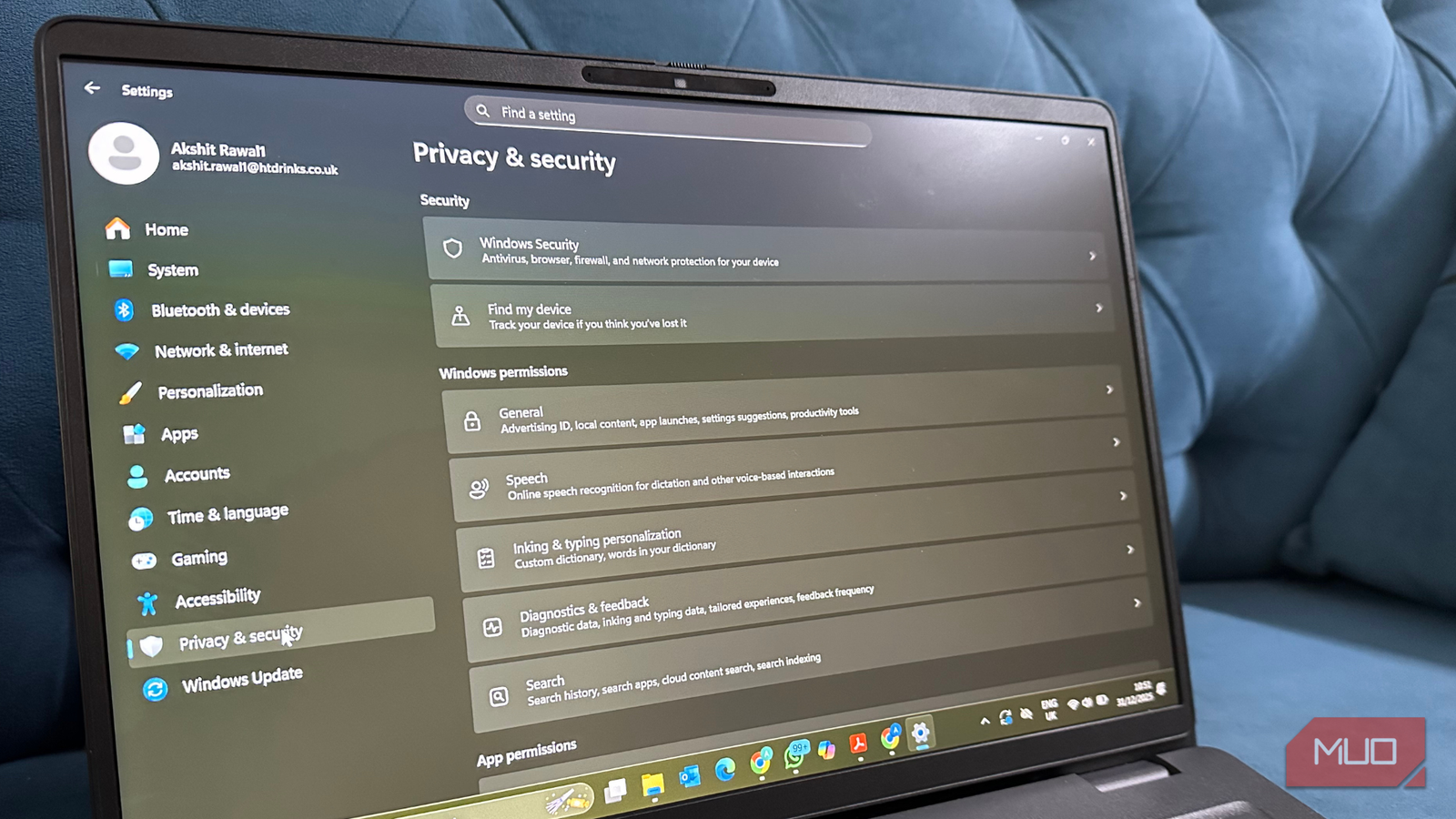
6 "innocent" Windows settings that are actually spying on you (and how to stop them)
MakeUseOf • • technology
Key Points:
- Windows enables many data-collecting features by default, often using user-friendly language like "personalization" to mask extensive background tracking of user activity and app usage.
- Key privacy concerns include activity tracking, diagnostic data collection, advertising ID usage, app permissions, location services, and clipboard syncing, all of which can expose sensitive user information if not managed properly.
- Users can improve privacy by disabling activity history storage, limiting diagnostic data sharing, turning off or resetting the advertising ID, reviewing and restricting app permissions, disabling location services, and turning off clipboard syncing across devices.
- These settings are often buried or overlooked, so proactive review and adjustment are essential for users to maintain control over their data and prevent unwanted tracking or profiling by Windows and third-party


