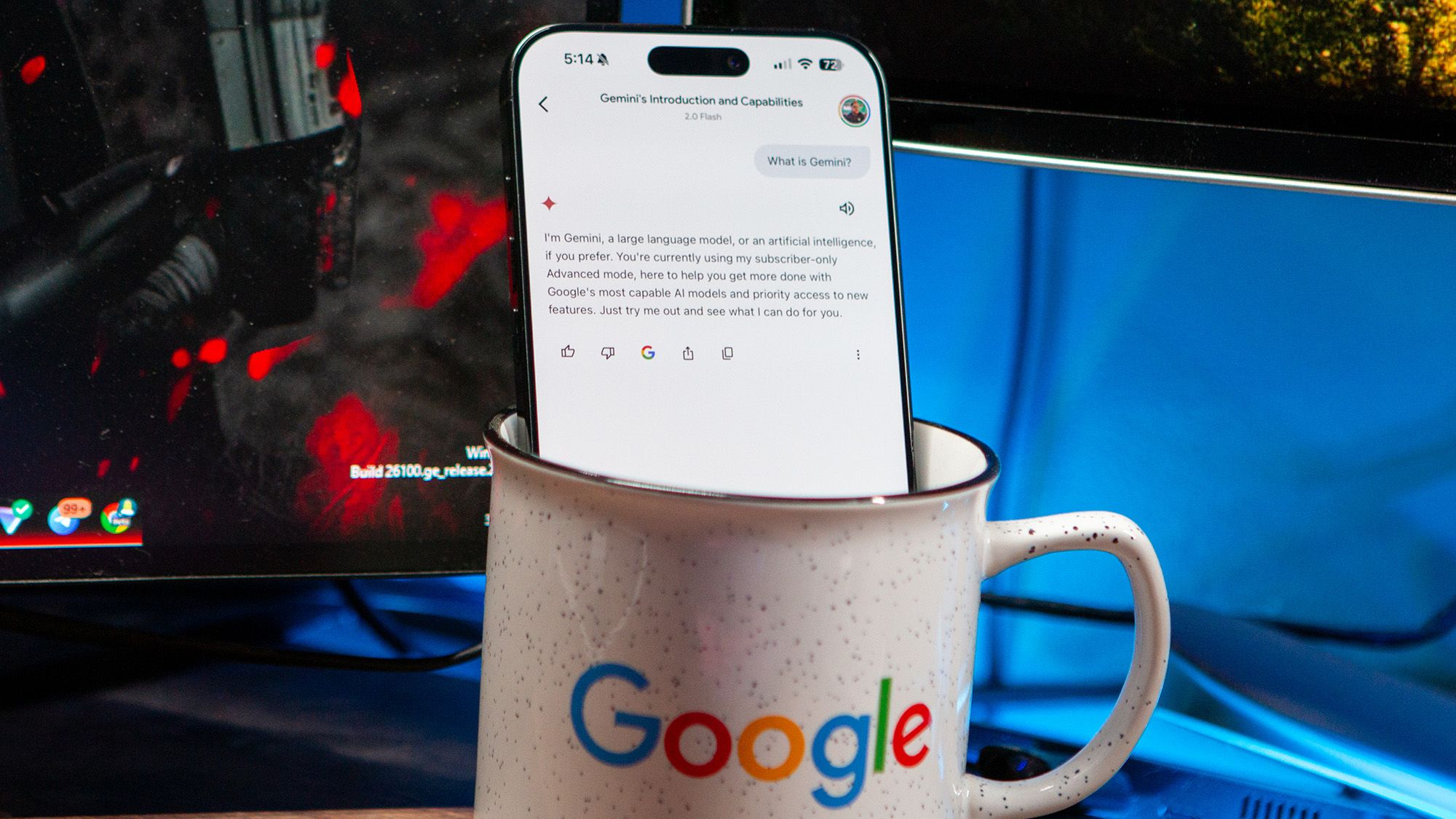
Google AI is creeping into every app on your phone. Here is how to disable it
Android Central • • technology
Key Points:
- Google has integrated its AI system, Gemini, into many of its apps like Gmail, Google Drive, Docs, Messages, and Google Photos, but there is no universal toggle to disable AI across all Android phones due to manufacturer differences.
- Users can disable Gemini features individually in apps such as Google Messages, Gmail, Google Photos, and Pixel-specific tools by navigating through each app's settings and turning off AI-related toggles.
- In Google Messages, the Gemini button can be removed by disabling the "Show Gemini button" option in the Messages settings, while in Gmail, turning off Google Workspace smart features disables AI across multiple Workspace apps.
- Google Photos users can turn off Gemini-powered features like Ask Photos and other AI enhancements by disabling the "Use Gemini in Photos" toggle in the app’s preferences.
- Pixel phone owners can disable AI features like Call Screen and Hold for Me in the Phone app settings and turn off AI analysis of screenshots in the Pixel Screenshots app, or disable the app entirely if preferred.


