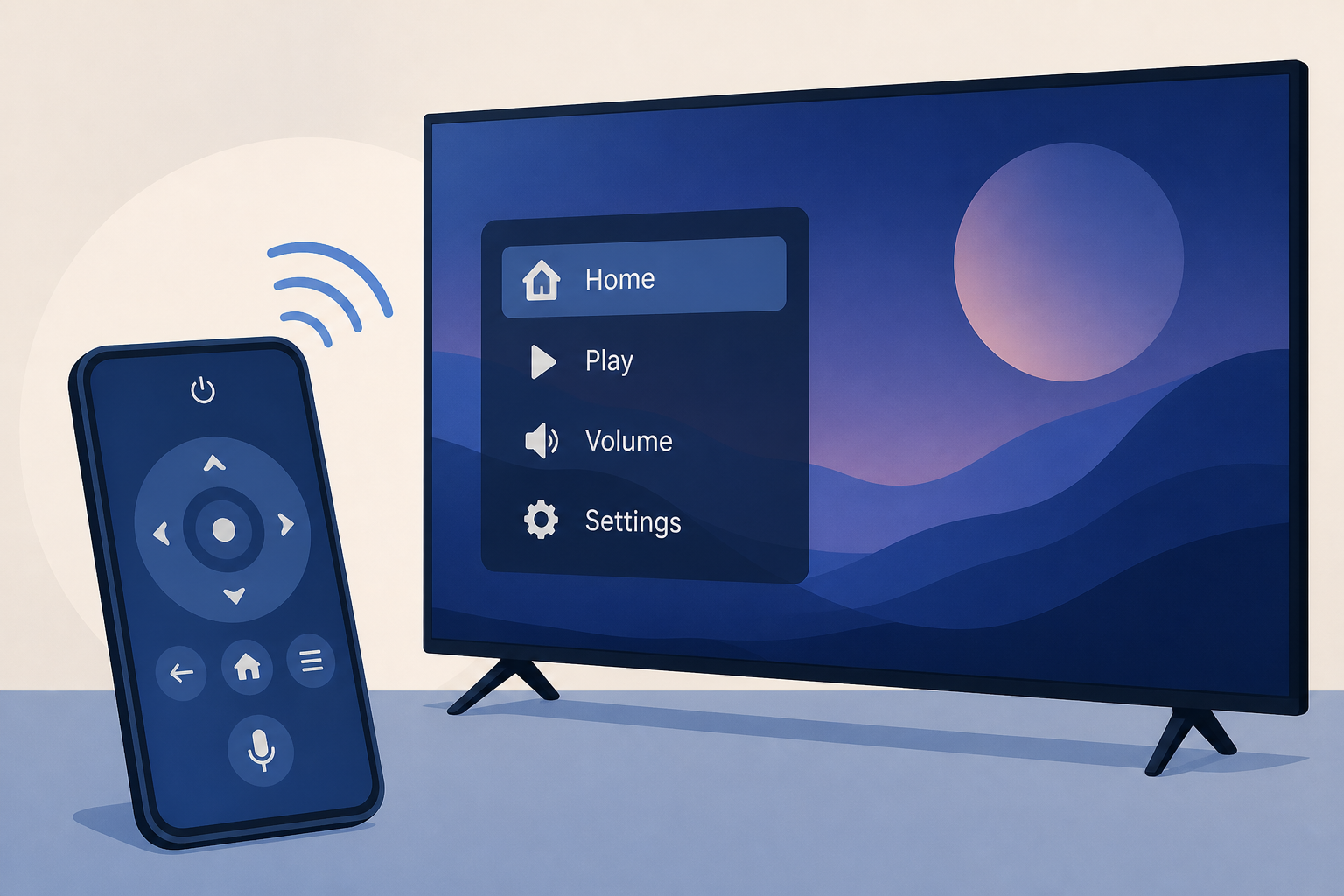
AI Generated Image
How To Control Your LG TV Without A Remote
bgr.com • • technology
Key Points:
- LG TVs include a physical button on the TV itself, usually located on the underside, which can perform basic functions like power on/off, menu navigation, volume, and channel control depending on the button type (Type A or Type B).
- Type A buttons allow power on/off, menu access, and selection through presses and holds, while Type B buttons provide additional control by moving the button in different directions for volume and channel adjustments.
- For full remote functionality without the physical remote, LG offers the free LG ThinQ app, which can be installed on a smartphone and paired with the TV over the same Wi-Fi network.
- The LG ThinQ app provides multiple control modes including trackpad, D-pad, and voice assistant, along with standard remote features such as volume, media controls, power, and quick app access.
- Using either the physical button or the LG ThinQ app enables users to operate their LG TV even when the original remote is missing or malfunctioning.


