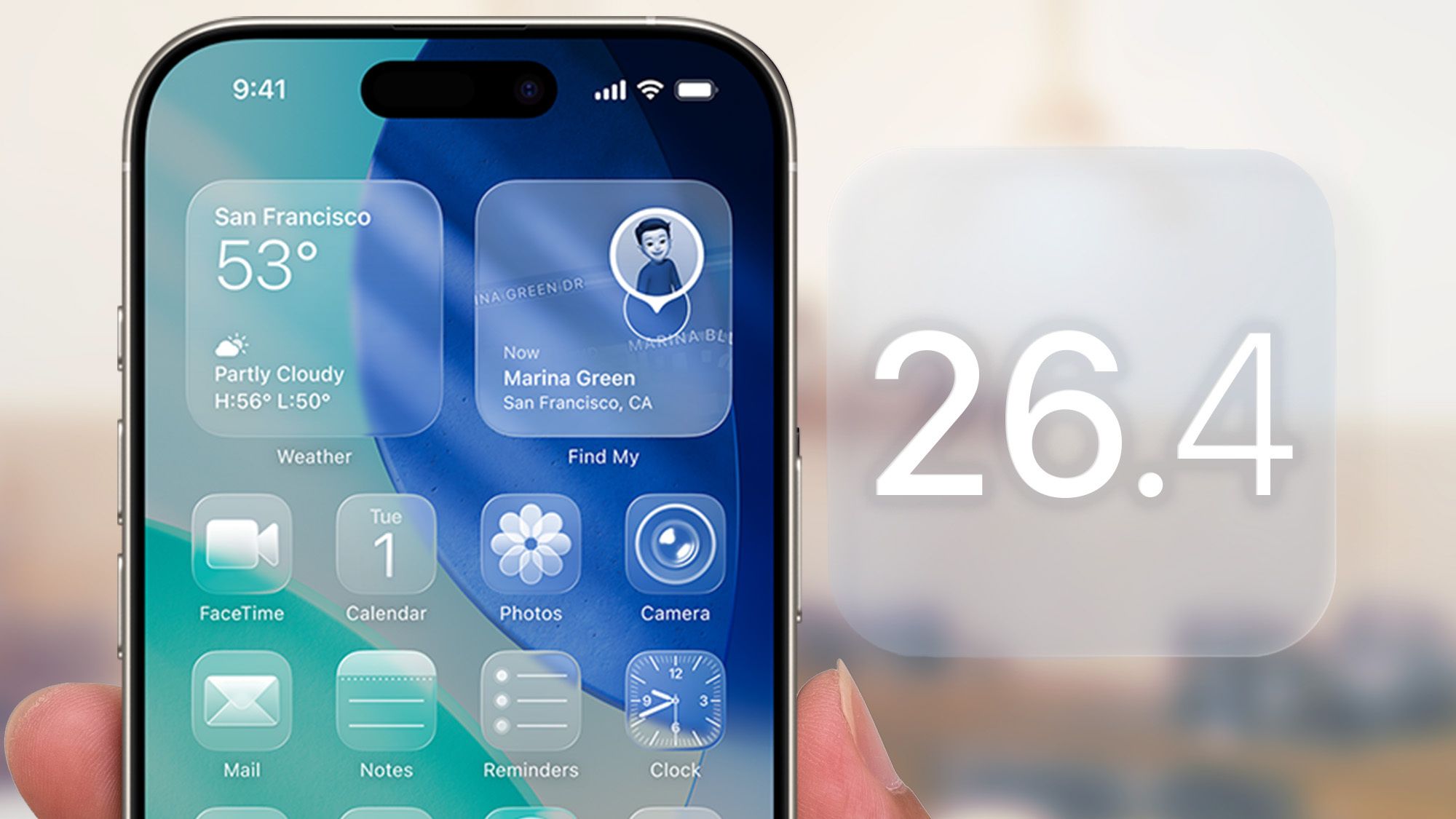
iOS 26.4 finally fixes keyboard typos - but there's one more step you need to take
tomsguide.com • • technology
Key Points:
- iOS 16.4 update fixes a long-standing bug causing the iPhone keyboard to register incorrect inputs when typing quickly, improving typing accuracy.
- However, the keyboard dictionary has accumulated corrupted data from the bug period, storing typos as intentional learned inputs.
- To fully resolve the issue, users must manually reset the keyboard dictionary via Settings > General > Transfer or Reset iPhone > Reset > Reset Keyboard Dictionary.
- Resetting clears all learned words and typing patterns, causing autocorrect and predictive text to feel less personalized initially but improves accuracy after a few days of normal use.
- This reset affects all languages and keyboards on the device, requiring users to re-teach custom words and typing habits across all enabled keyboards.


