AI Image
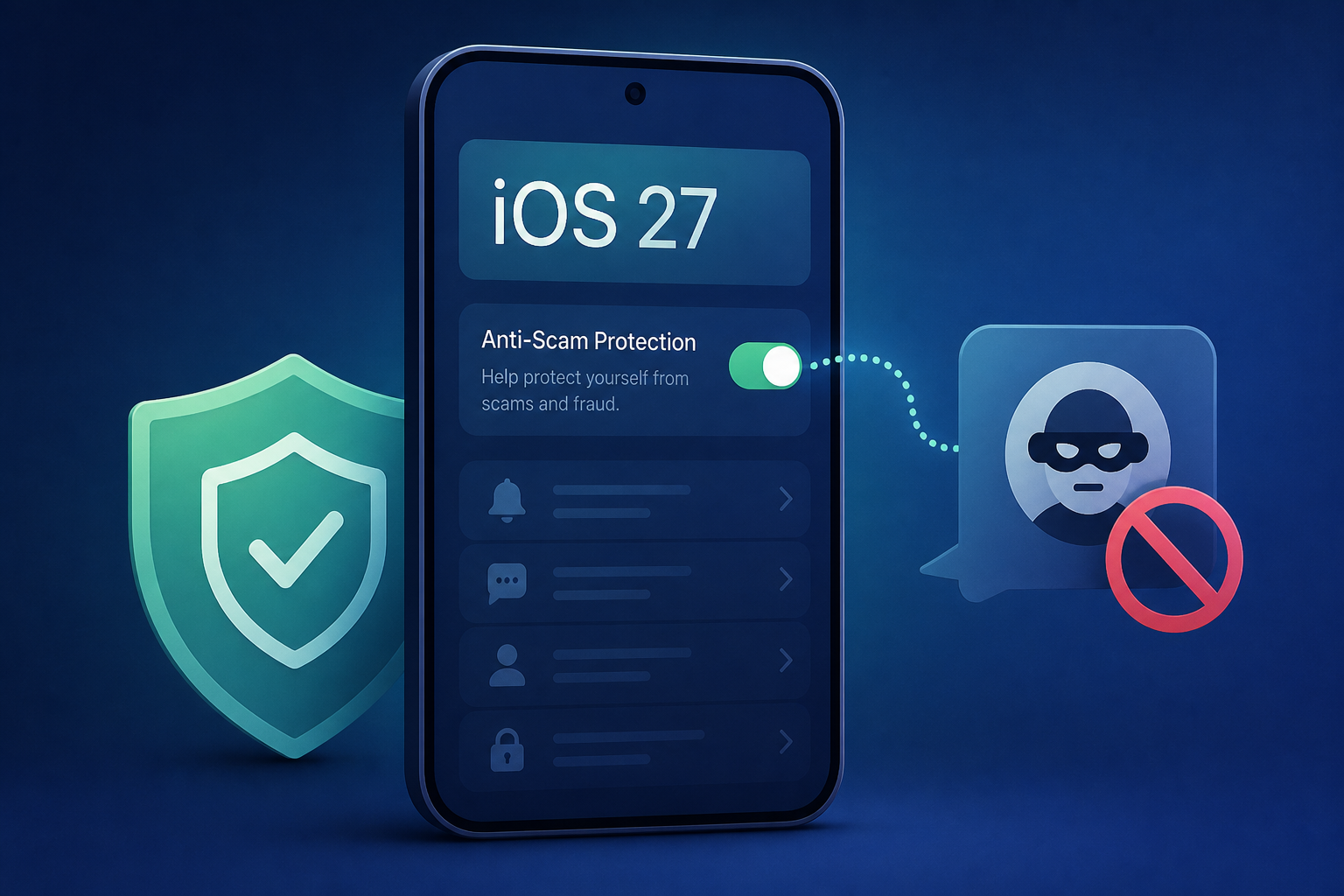
iOS 27 has a hidden anti-scam setting - where to find it
Tom's Guide • • technology
Key Points:
- Apple is launching Impersonation Risk Detection in iOS 27, a native feature aimed at identifying and warning users about social engineering scams in real time before sensitive information or money is shared.
- The system evaluates interaction timing, behavior patterns, context, and sensor data on-device to assign risk levels without accessing or reading private content like messages or photos, preserving user privacy.
- iOS 27 categorizes risk into three levels—Unknown, Medium, and High—and provides this risk score to supported apps, which can then implement safety measures such as extra verification or transaction delays.
- The feature is disabled by default due to the need to share limited event signals with developers and diagnostic servers; users must manually enable it in Settings under Privacy & Security.
- After activation, it may take up to 24 hours for full functionality, and users can monitor which apps have requested risk assessments and the actions that triggered them via the Recent Activity log.


