AI Image
iPhone Owners Turn Off This Setting To Save Battery Life
bgr.com • • general
Key Points:
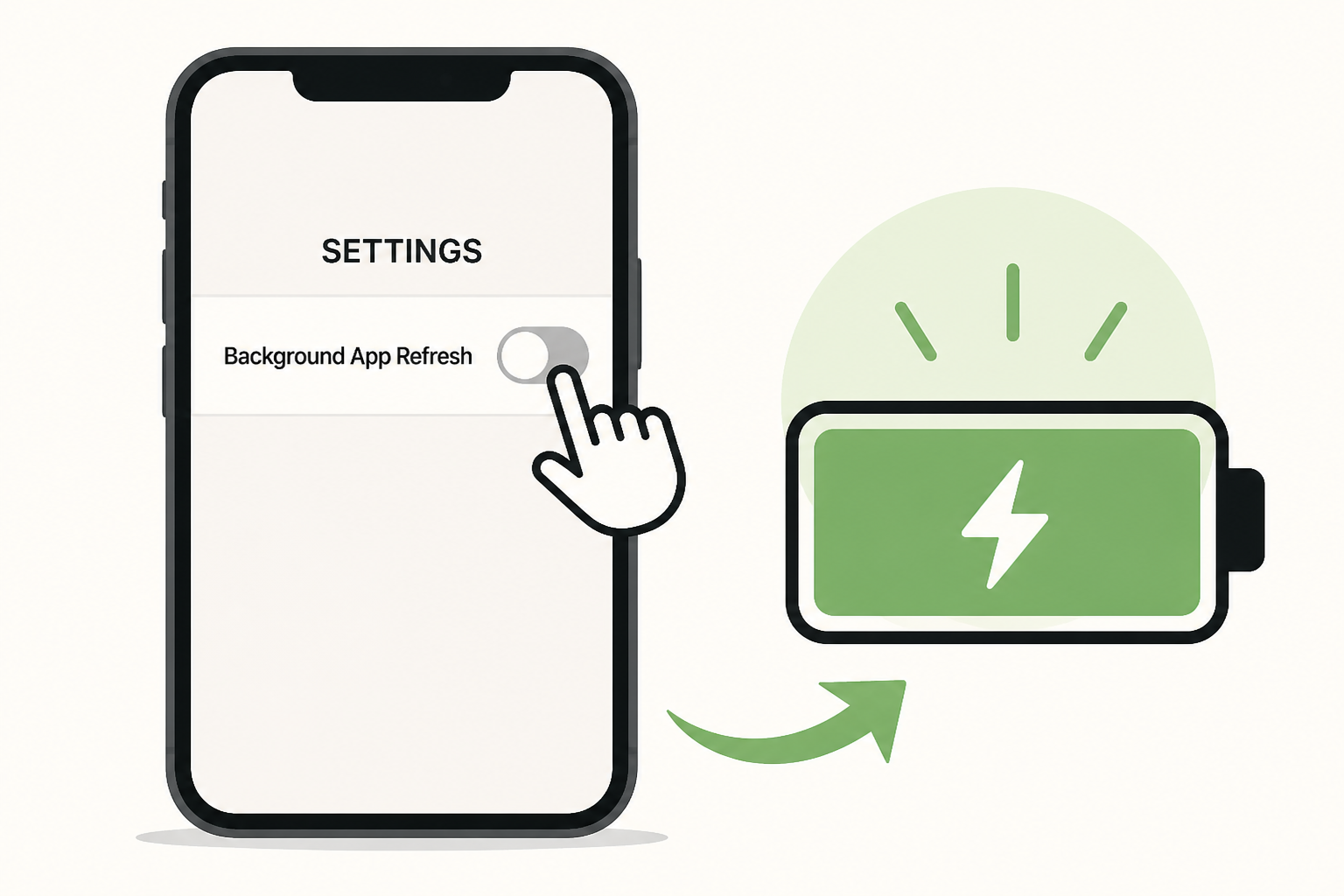
- Background App Refresh, a feature that updates apps with new data in the background, is a major contributor to rapid battery drain on iPhones.
- Disabling Background App Refresh can significantly improve battery life without affecting how you use your apps, as they will update only when opened.
- Users can turn off the feature entirely via Settings > General > Background App Refresh, or limit it to Wi-Fi only, with "Off" providing the greatest battery savings.
- iOS allows granular control, letting users disable Background App Refresh for specific apps, which is especially recommended for social media apps known for heavy battery use.
- Customizing this setting per app helps balance battery conservation with app functionality, making it an effective and simple way to extend iPhone battery life.


