AI Image
My Apple Watch spotted I was getting sick before I did this week - here's how to make the Vitals app more accurate
Tom's Guide • • technology
Key Points:
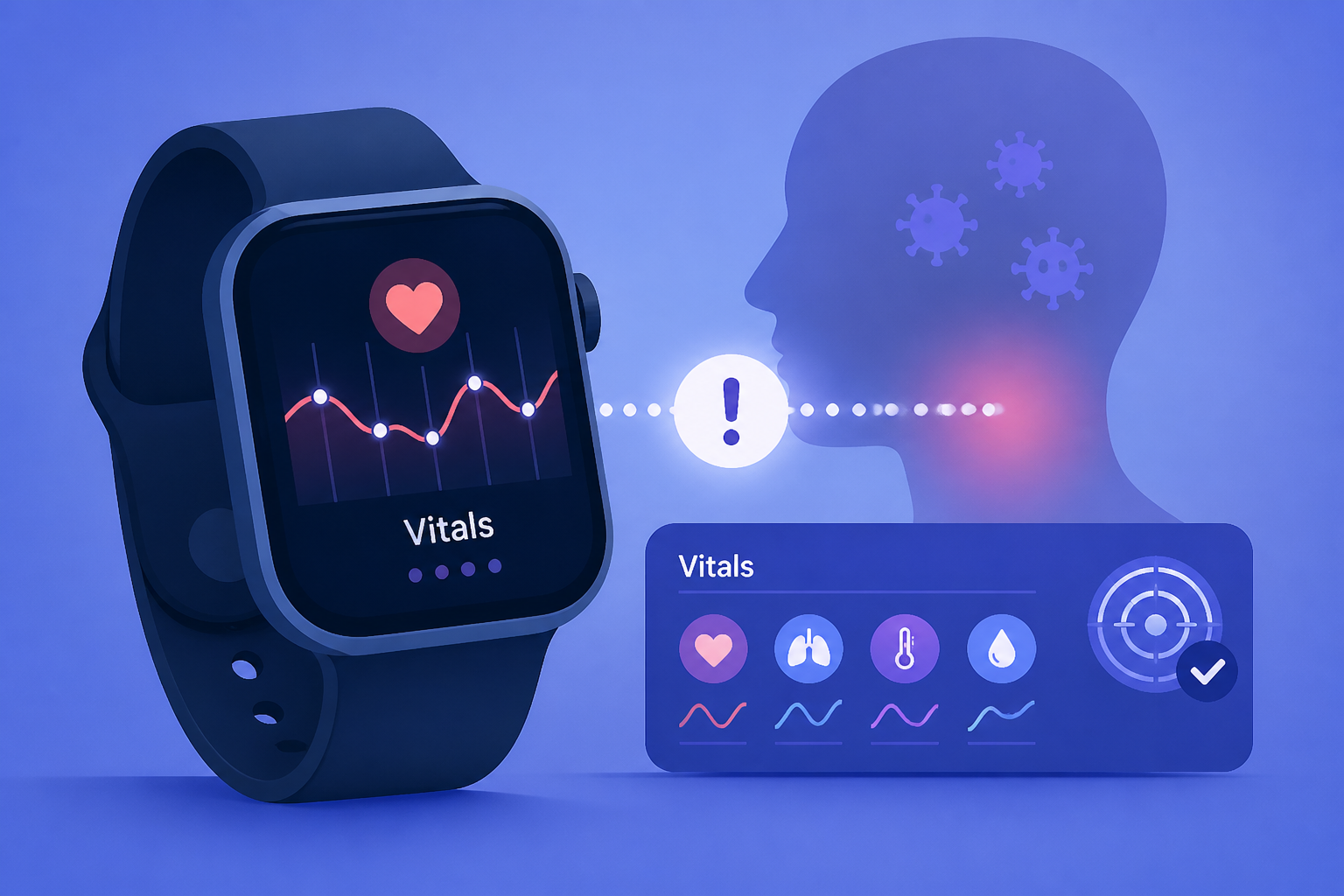
- The Apple Watch Vitals app can detect early signs of illness by monitoring metrics such as heart rate, respiratory rate, wrist temperature, and blood oxygen, sometimes before symptoms appear.
- To improve the app’s accuracy, users should ensure the watch fits snugly above the wrist bone, wear it continuously overnight, and enable sleep tracking with Sleep Focus mode.
- The Vitals app requires about seven nights of data to establish personal baselines for vital signs, making consistent overnight wear essential for reliable health insights.
- Users should verify that Wrist Detection is enabled on the Watch app, and that Heart Rate and fitness tracking permissions are granted on the iPhone and Apple Watch privacy settings.
- Keeping both the iPhone and Apple Watch updated with the latest software ensures the most accurate health monitoring and algorithm performance.


