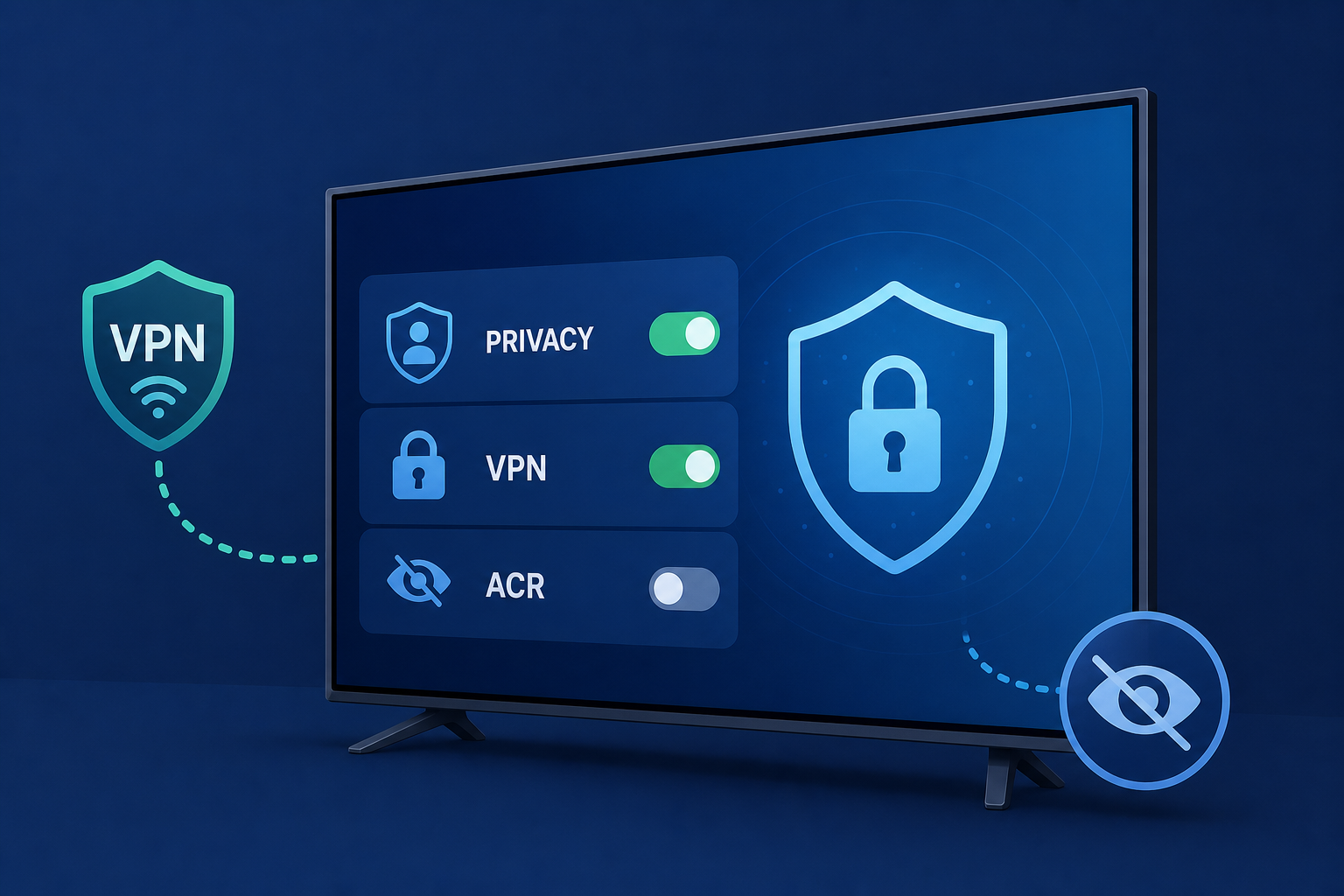
AI Generated Image
Smart TV privacy, VPN and ACR settings to check before connecting
Fox News • • technology
Key Points:
- Many smart home devices come with factory settings prioritizing convenience over security, often enabling features like automatic connections and data sharing that expose users to privacy risks.
- Before connecting new devices such as smart TVs, tablets, or phones, users should update software, change default passwords, review privacy settings, and disable unused connectivity features to enhance security.
- Smart TVs frequently have Automatic Content Recognition (ACR) enabled by default, which tracks viewing habits and sends data to manufacturers; disabling ACR and ad tracking is crucial to protect privacy.
- Setting up a separate guest Wi-Fi network for smart devices, enabling two-factor authentication, limiting app permissions, and using a VPN can provide additional layers of security and privacy for home networks.
- Users are encouraged to regularly remove unnecessary apps, turn on lost-device protection, and maintain vigilance over privacy settings to reduce vulnerabilities and safeguard personal information.


