AI Generated Image
What The Blinking Green Light Means On Your Roku Remote
bgr.com • • technology
Key Points:
- Roku remotes come in various types, some with programmable functions like TV power and volume control, and some with built-in microphones for voice commands using Roku's voice assistant.
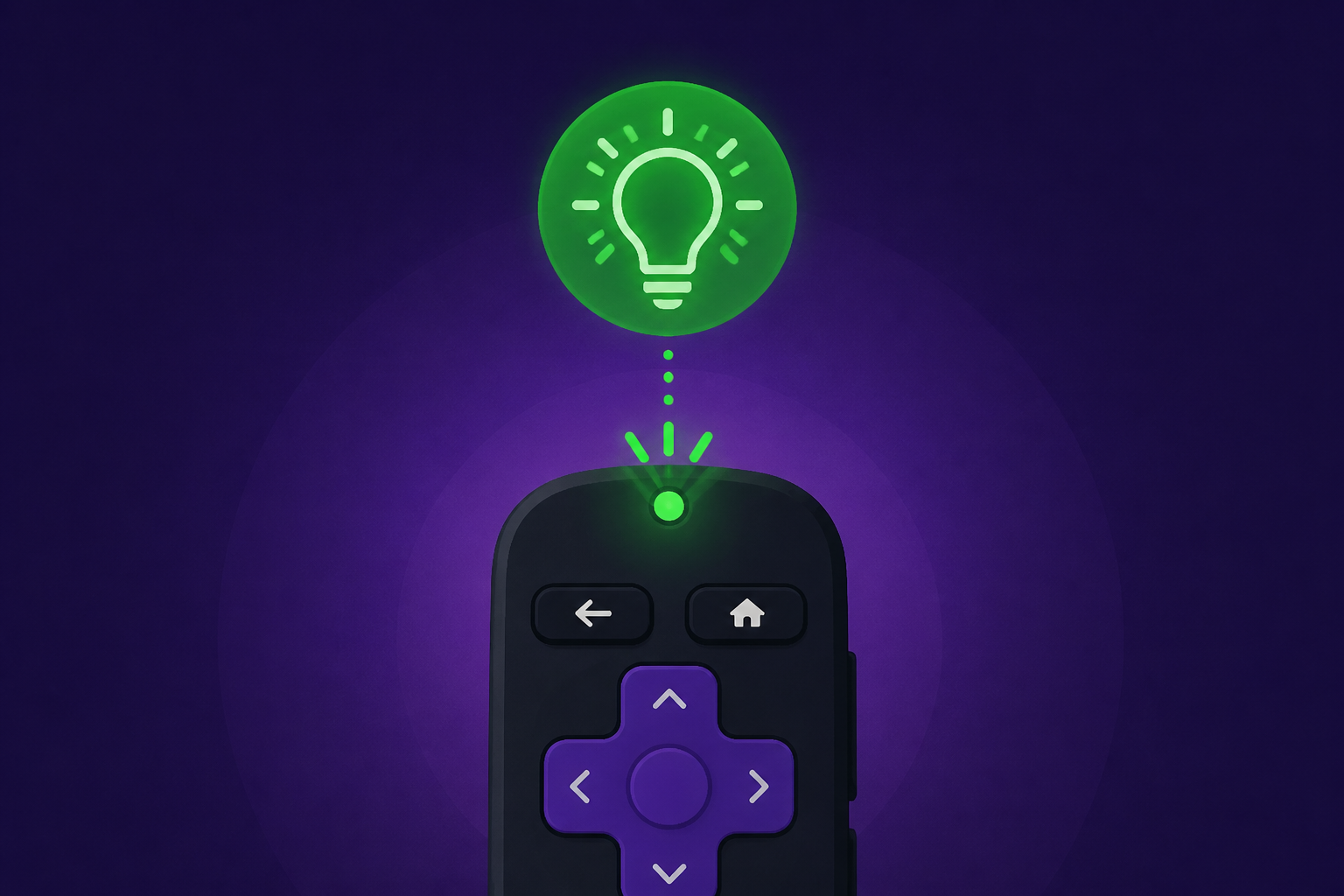
- A blinking green LED on a Roku remote usually indicates it is searching for a device to pair with, which can happen when batteries are low or when setting up a new remote.
- To pair a new Roku remote, users can use a second remote or the Roku mobile app by navigating to Settings > Remotes & devices > Add devices > Remote and following on-screen instructions; some remotes require pressing a pairing button or holding the Back and Home buttons.
- Different blinking patterns of the green LED provide diagnostic information: moderate blinking suggests low battery, while rapid blinking indicates the remote may be malfunctioning and needs replacement.
- New Roku remotes, including upgraded models like the Roku Voice Remote Pro (2nd Edition) with advanced features such as lost remote finder and USB-C charging, are available for purchase from Roku and major retailers.


