AI Image
Which Zelda: Ocarina Of Time HUD Option Is Your Favourite?
Nintendo Life • • technology
Key Points:
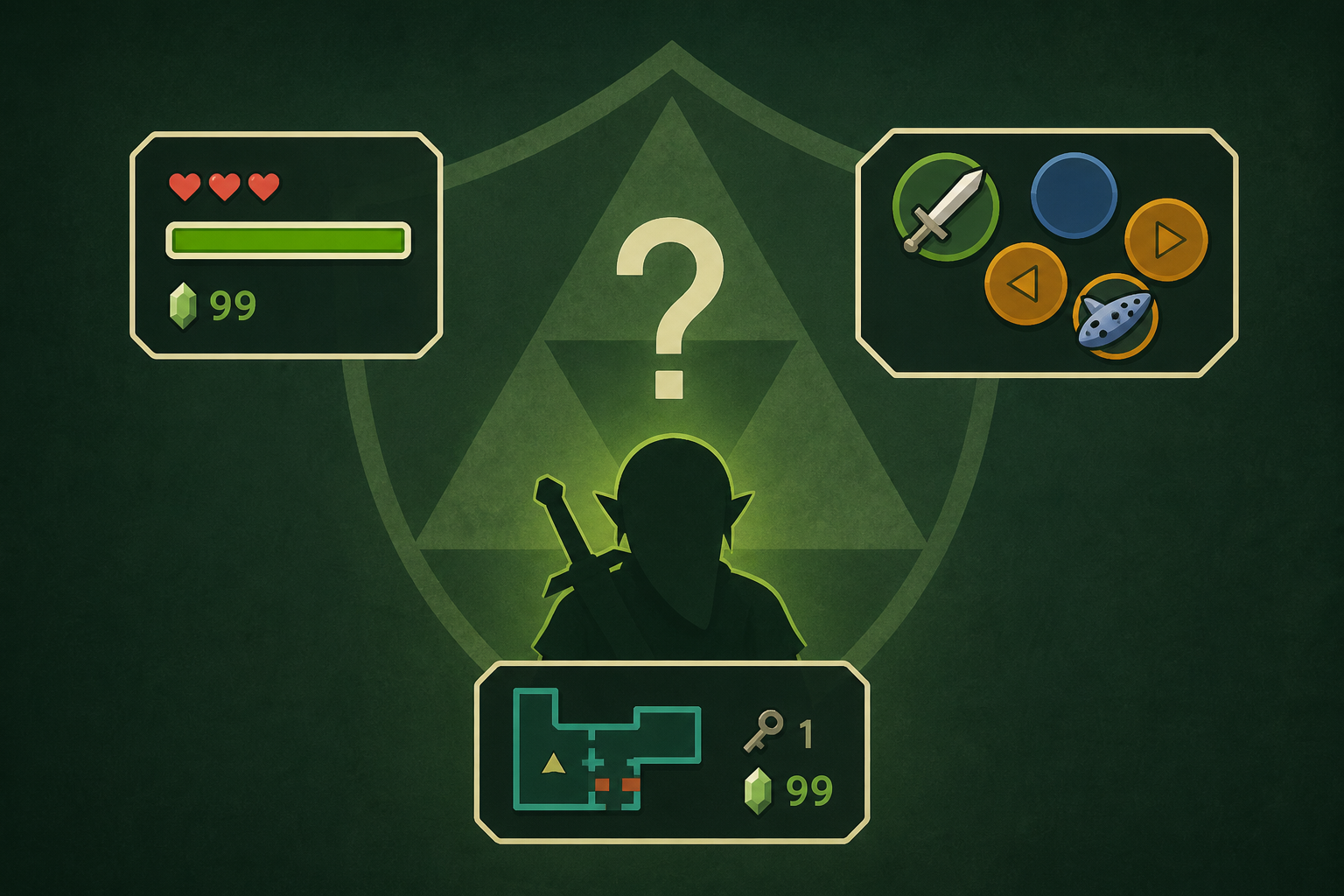
- The Legend of Zelda: Ocarina of Time on Switch 2 offers three HUD options—Normal, Pro, and Master—allowing players to customize the amount of on-screen information they see during gameplay.
- The Normal mode displays a full HUD with mini map, item selection, life/magic meters, and button prompts, providing the most information but potentially appearing cluttered.
- Pro mode reduces HUD elements to minimal information, removing most indicators except for essential button prompts and Navi's speech bubbles, ideal for experienced players who still want interaction cues.
- Master mode removes all HUD information, including targeting cursors and prompts, offering the most immersive experience but risking missed details during gameplay.
- A recent poll shows 40% of players prefer Normal mode, 27% use Pro, 6% opt for Master, and 27% were unaware they could change the HUD settings.


