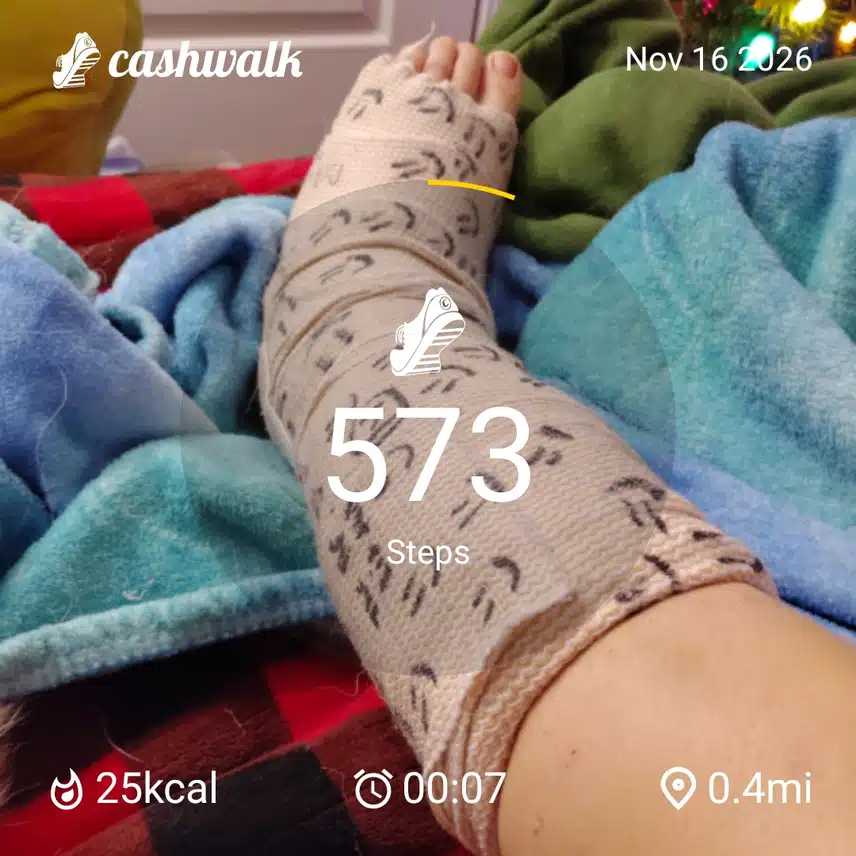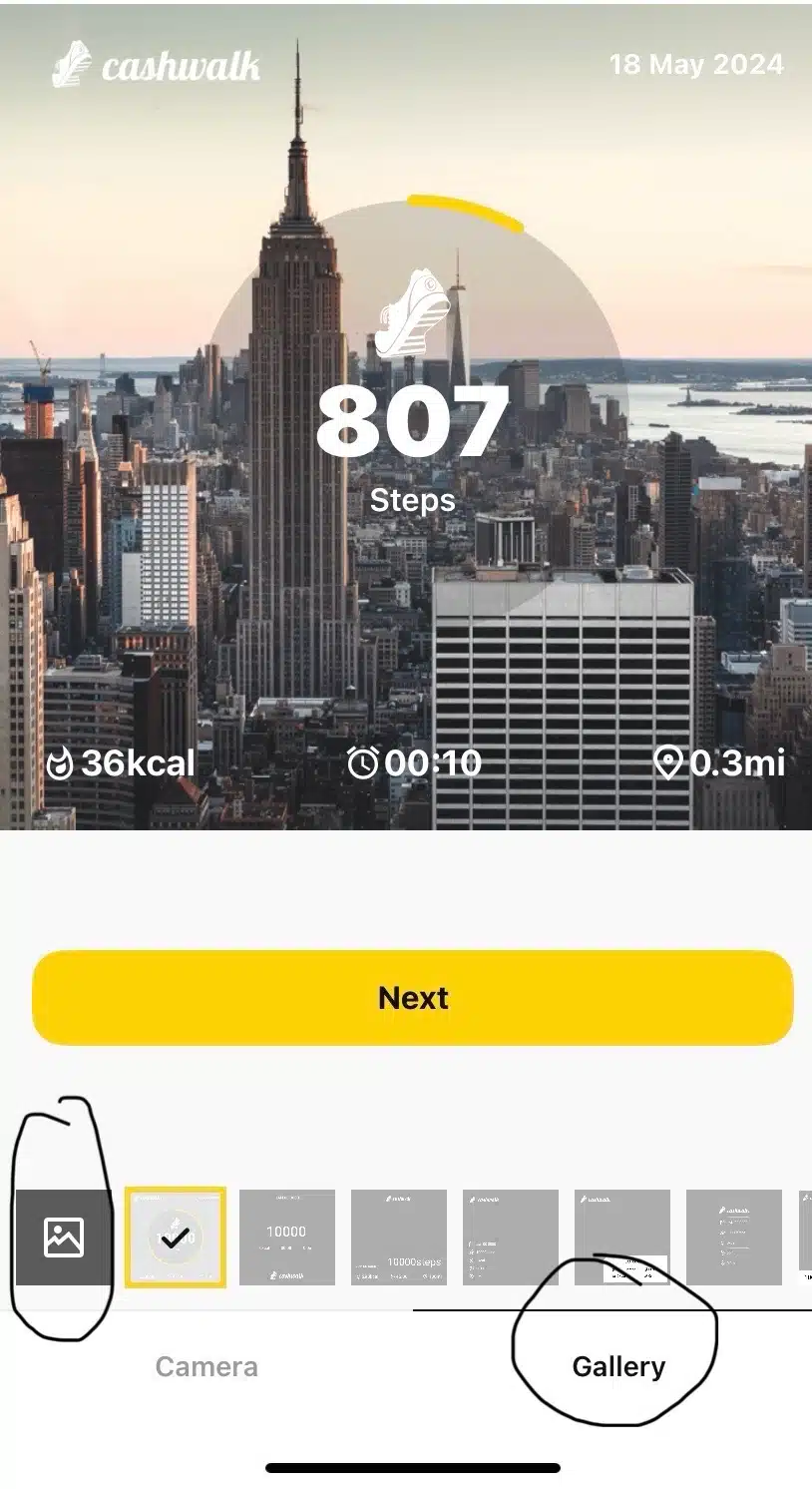
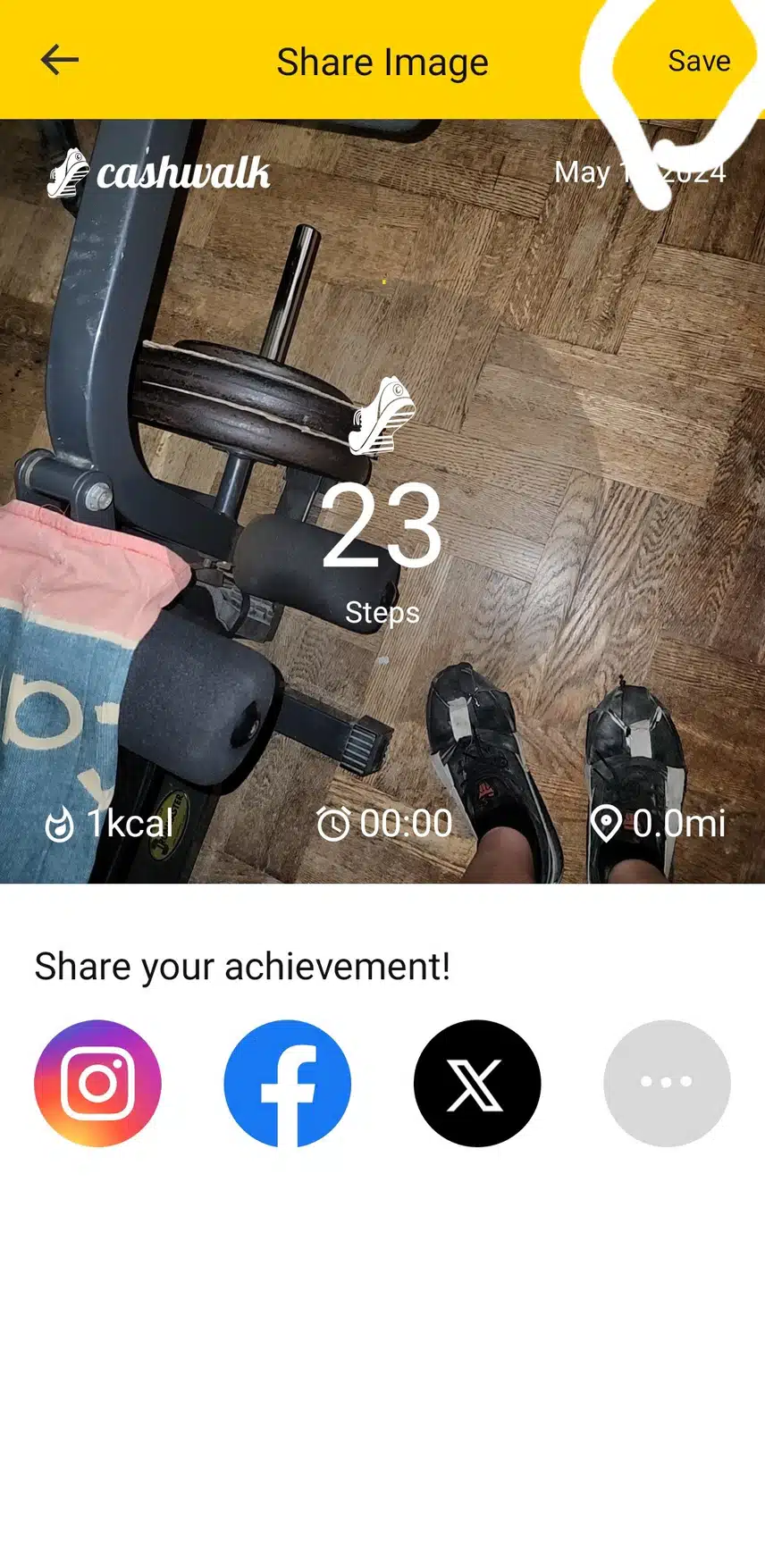
Hey everyone! Been to gym today and forgot to take a Cashwalk timestamp photo of my treadmill workout! I already have 9 days logged so it doesn't really matter but I like to do it still as it keep me motivated!💪 I've noticed others have a timestamp on random photos before, how do you do this? I tried but only got the standard tower building photo with my steps showing! Thanks :)
Comments14


Popular in Chat
Ranked by comments, likes, and saves from the last 24 hours
Ranked by comments, likes, and saves from the last 7 days
Ranked by comments, likes, and saves from the last 30 days
- 02CommentsWow good job man302026.11.18
- 02CommentsBe careful of who you trust. Put your faith in Jesus Christ hell change your life more than you can understand1,51240326.04.06
- 03
New friends ?[175]
CommentsI need take an extra 5000 steps just looking at that bomb food!14K2301326.05.11


- 02
New friends ?[175]
CommentsI need take an extra 5000 steps just looking at that bomb food!14K2301326.05.11 - 03CommentsBe careful of who you trust. Put your faith in Jesus Christ hell change your life more than you can understand1,51240326.04.06
- 04
PR [1]
814126.09.07 - 05
- 0670026.11.19


- 04
I believe I'm done for the evening. [2]
302026.11.18 - 08