Hi everyone!
Who can tell me...
Can I send a private message to a member? If so, how?
How do I use the settings to make my notifications silent. I already have the icon. I don't need to hear a sound, too.
Comments10
Popular in Chat
Ranked by comments, likes, and saves from the last 24 hours
Ranked by comments, likes, and saves from the last 7 days
Ranked by comments, likes, and saves from the last 30 days
- 03
?¿?[2]
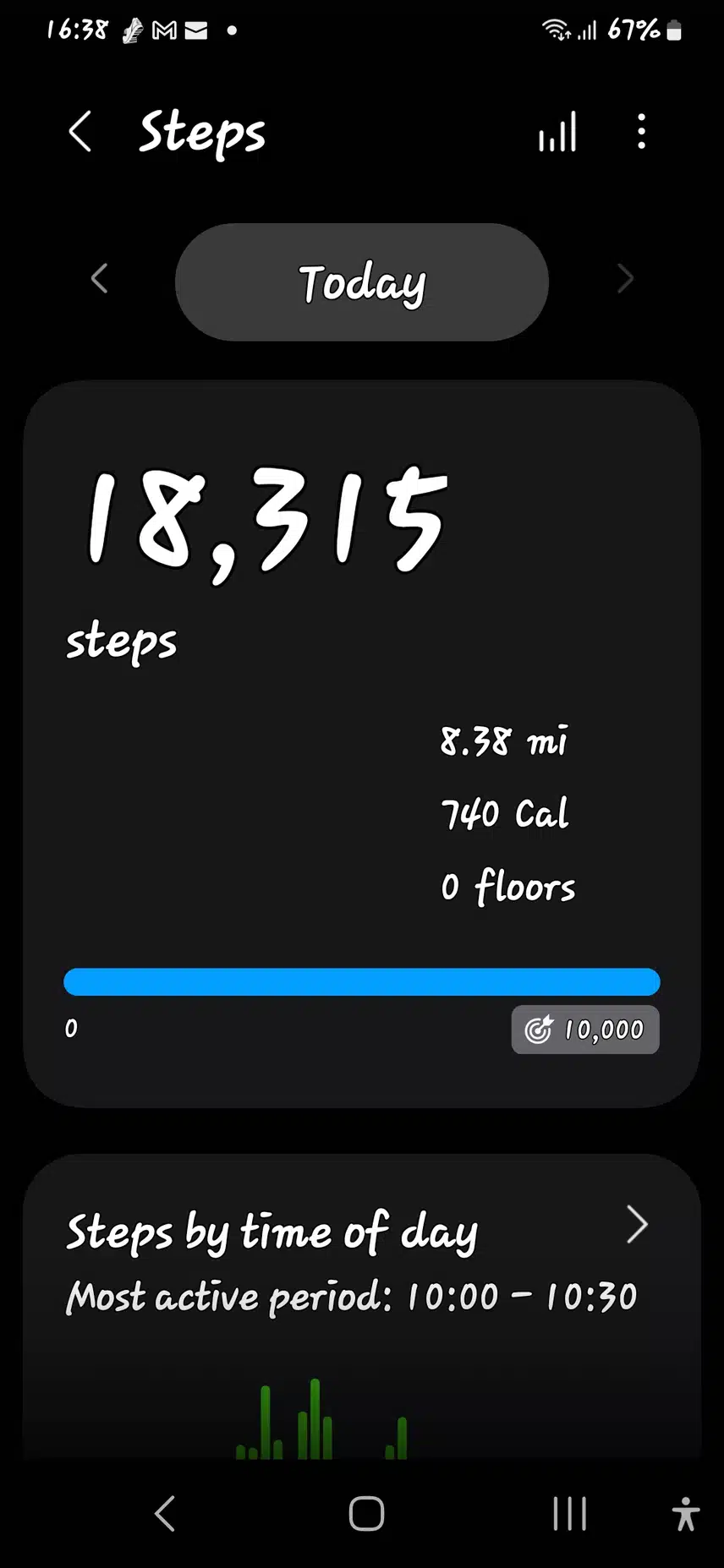
CommentsThat’s a crazy amount. I go on like three walks a day and I can only make it to like 15 K😭 and I work construction, so I walk around a lot☹️ good job though lol teach me your ways260026.11.25
- 02
New friends ?[176]
CommentsI need take an extra 5000 steps just looking at that bomb food!14K2321326.05.11 - 03CommentsBe careful of who you trust. Put your faith in Jesus Christ hell change your life more than you can understand1,59842426.04.06


- 04
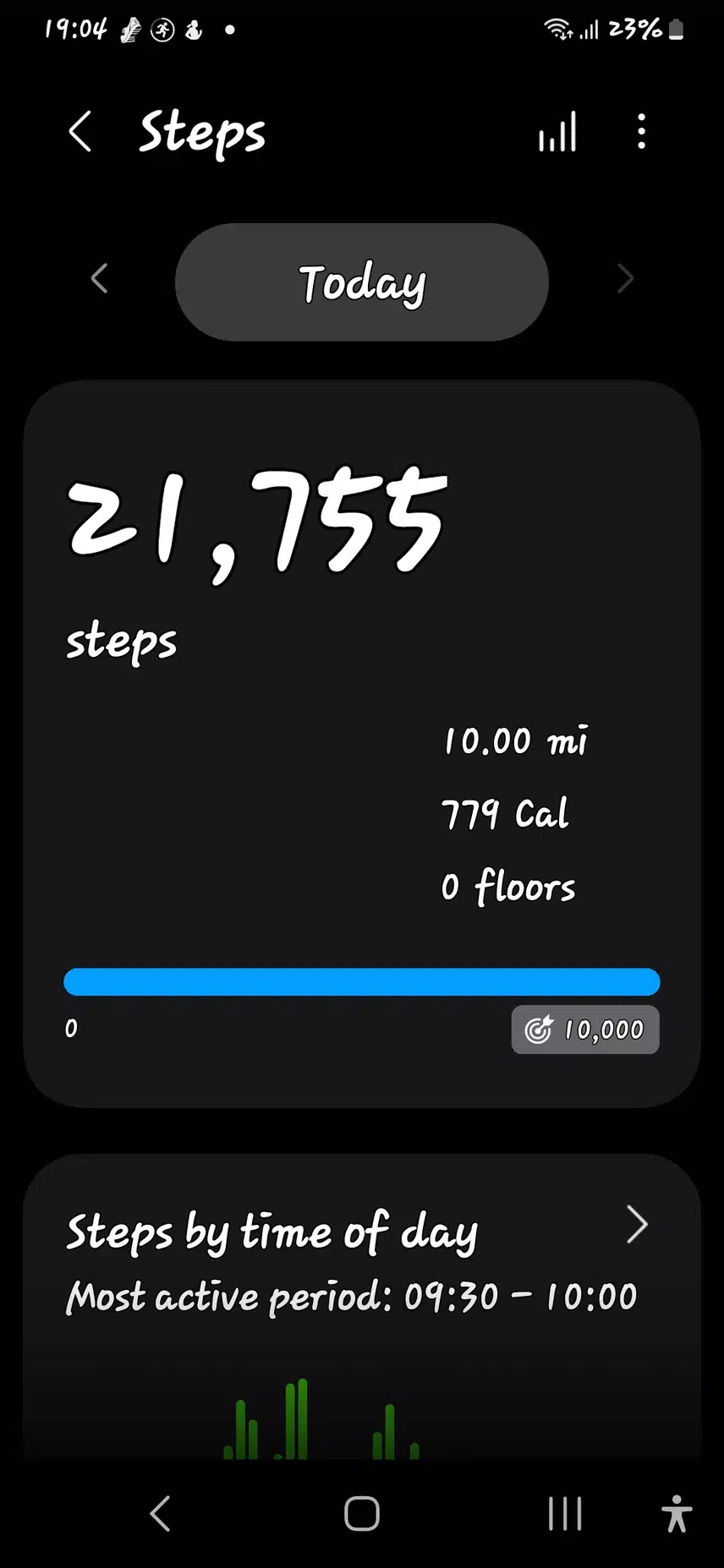
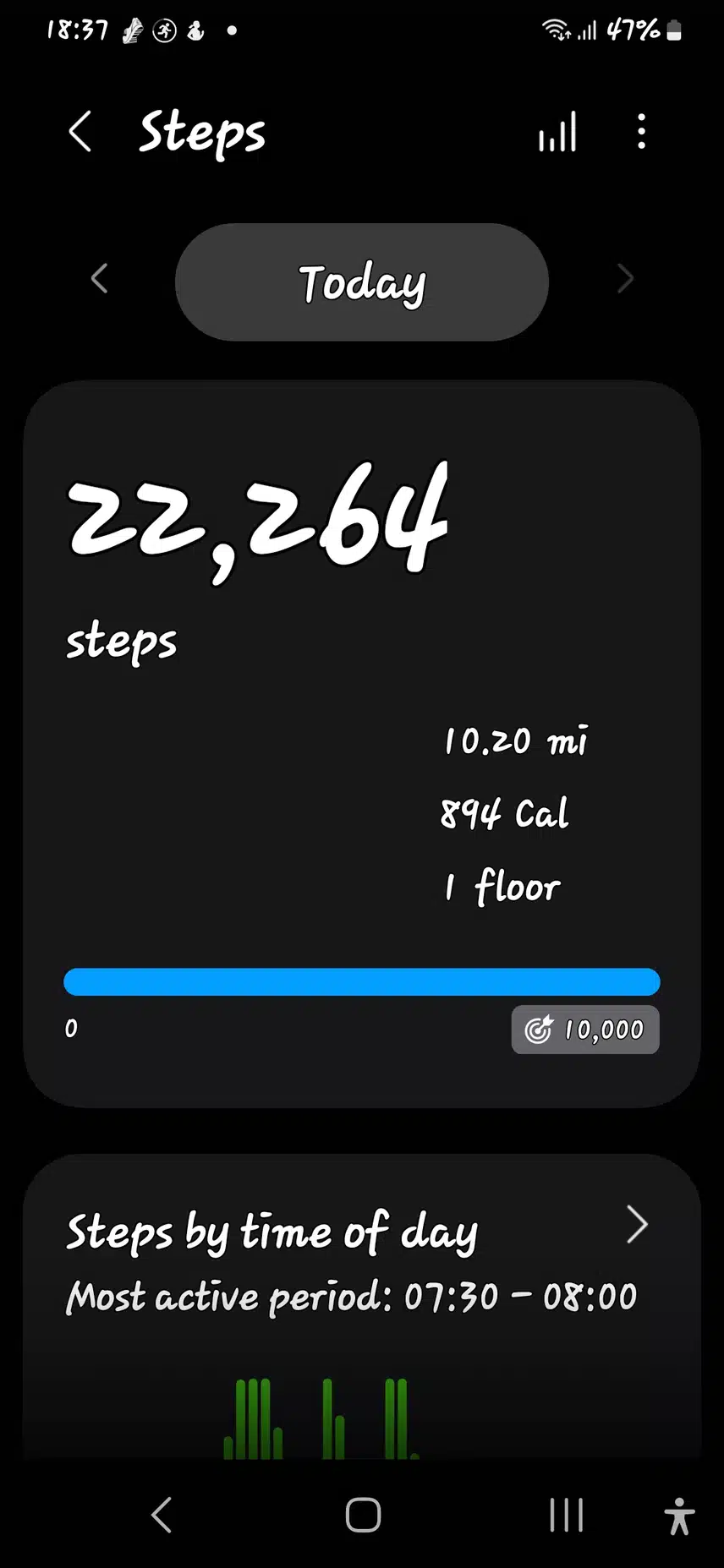
When you have nobody to holiday with, walking is what I do.[0]
101026.11.27 - 06
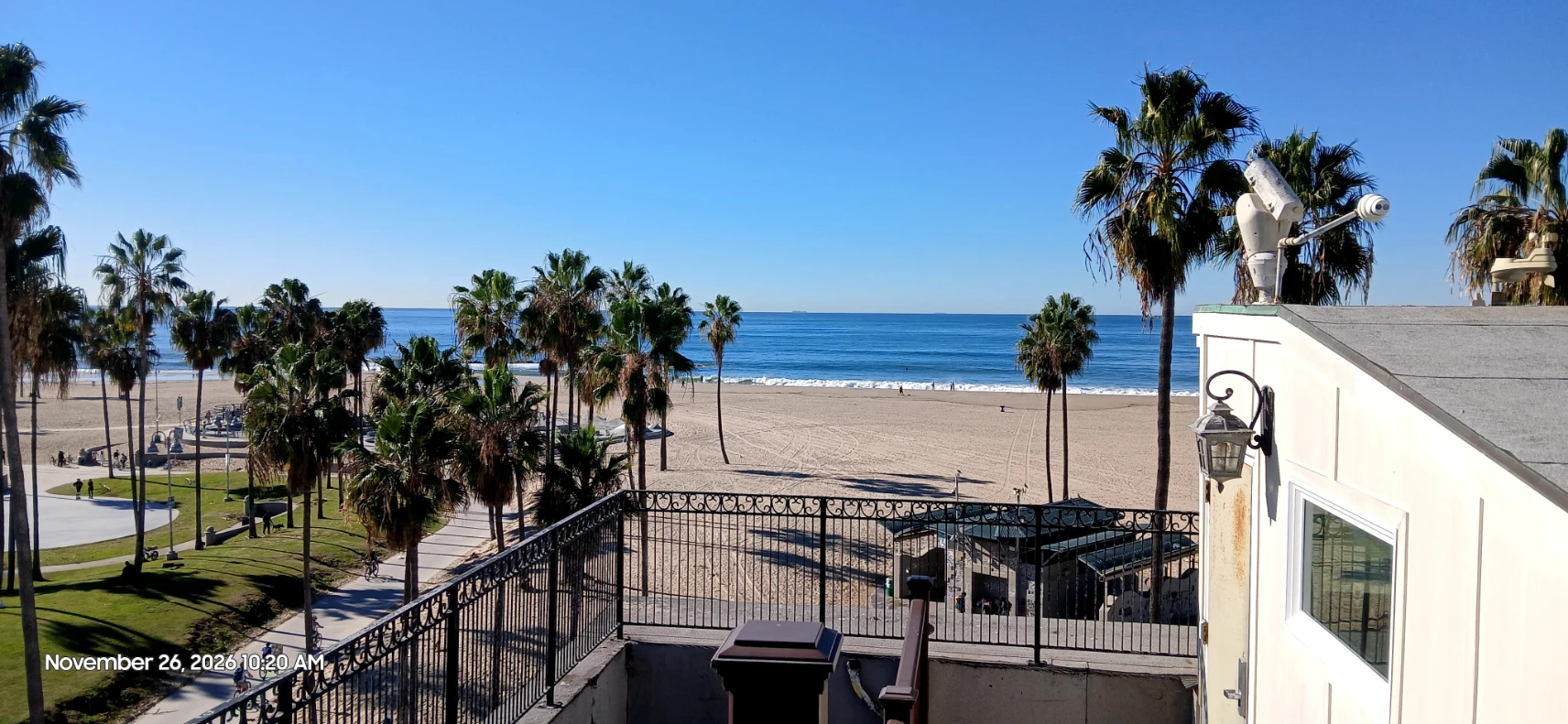
Hey Lyric...this is a rooftop view of some of my inspiration. [0]
100026.11.27
- 04
New friends ?[176]
14K2321326.05.11 - 05
- 06
?¿?[2]
260026.11.25 - 07232026.11.01
- 10
When you have nobody to holiday with, walking is what I do.[0]
101026.11.27
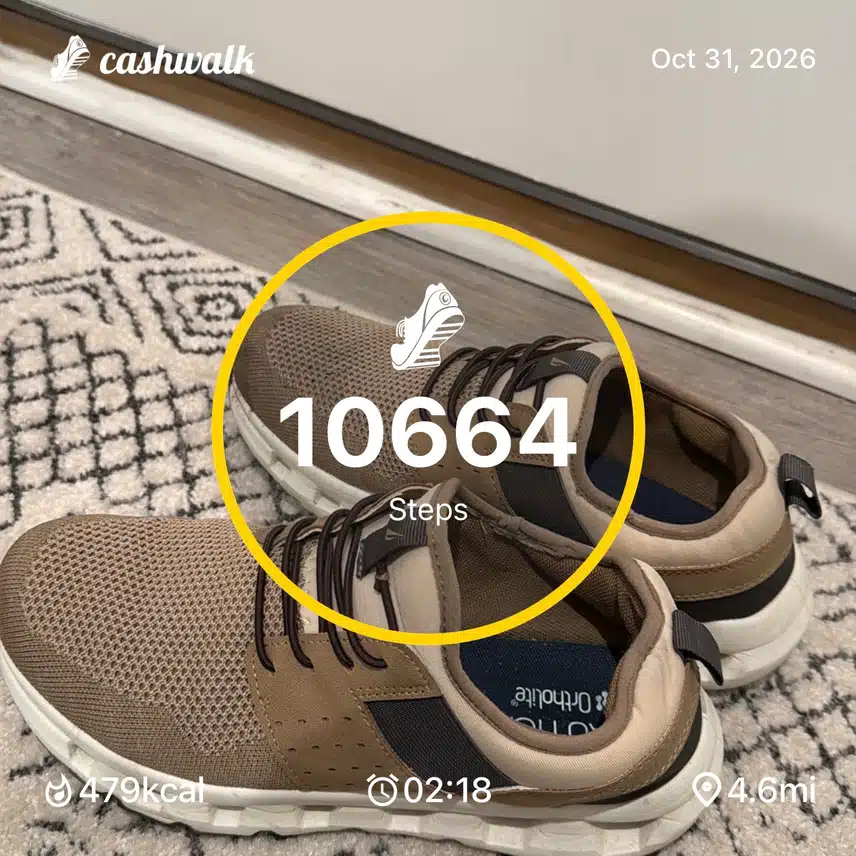
- 10
I believe I'm done for the evening. [2]
532026.11.18