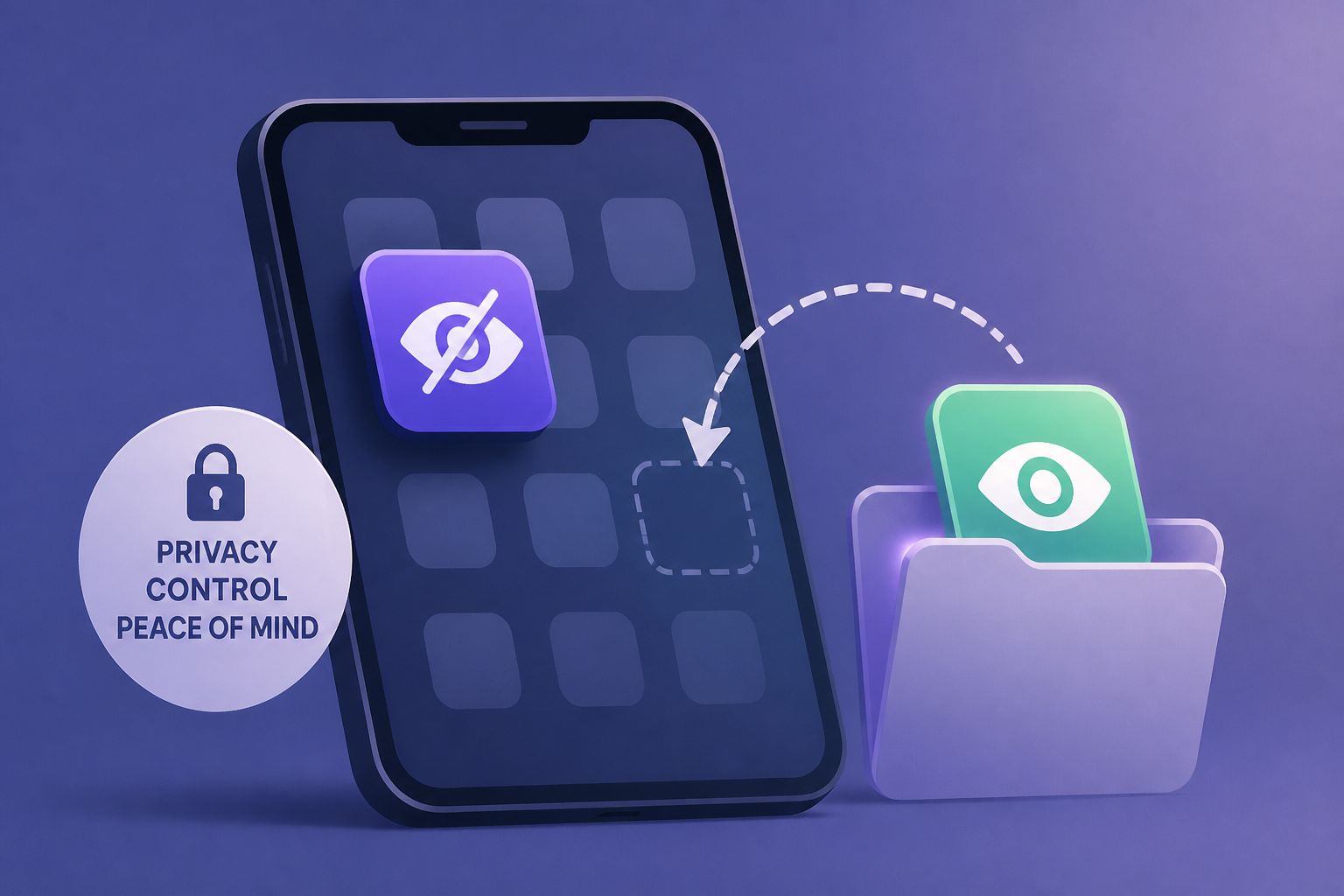
AI Generated Image
How To Hide And Unhide An App On Your iPhone Or iPad (And Why You May Want To)
engadget.com • • technology
Key Points:
- iOS 18 introduces a new feature allowing users to hide and lock apps on iPhone and iPad by requiring Face ID or passcode authentication, enhancing privacy and security beyond simply removing apps from the Home screen.
- Hidden apps are moved to a special Hidden folder in the App Library, which requires authentication to access and does not sync hidden status across Apple devices; however, hidden apps still appear in usage and battery settings.
- Users can also hide apps from their App Store purchase history to declutter, though this does not provide privacy since transaction history remains visible and no authentication is required to view hidden purchases.
- Additional controls include Screen Time settings for app limits and downtime, disabling certain built-in apps, customizing notifications, and preventing app suggestions or search appearances, offering multiple ways to manage app visibility and usage.
- While hiding apps is not entirely foolproof, it adds extra steps to prevent unauthorized access or casual snooping, and users concerned about security can further protect their devices with features like Stolen Device Protection.


