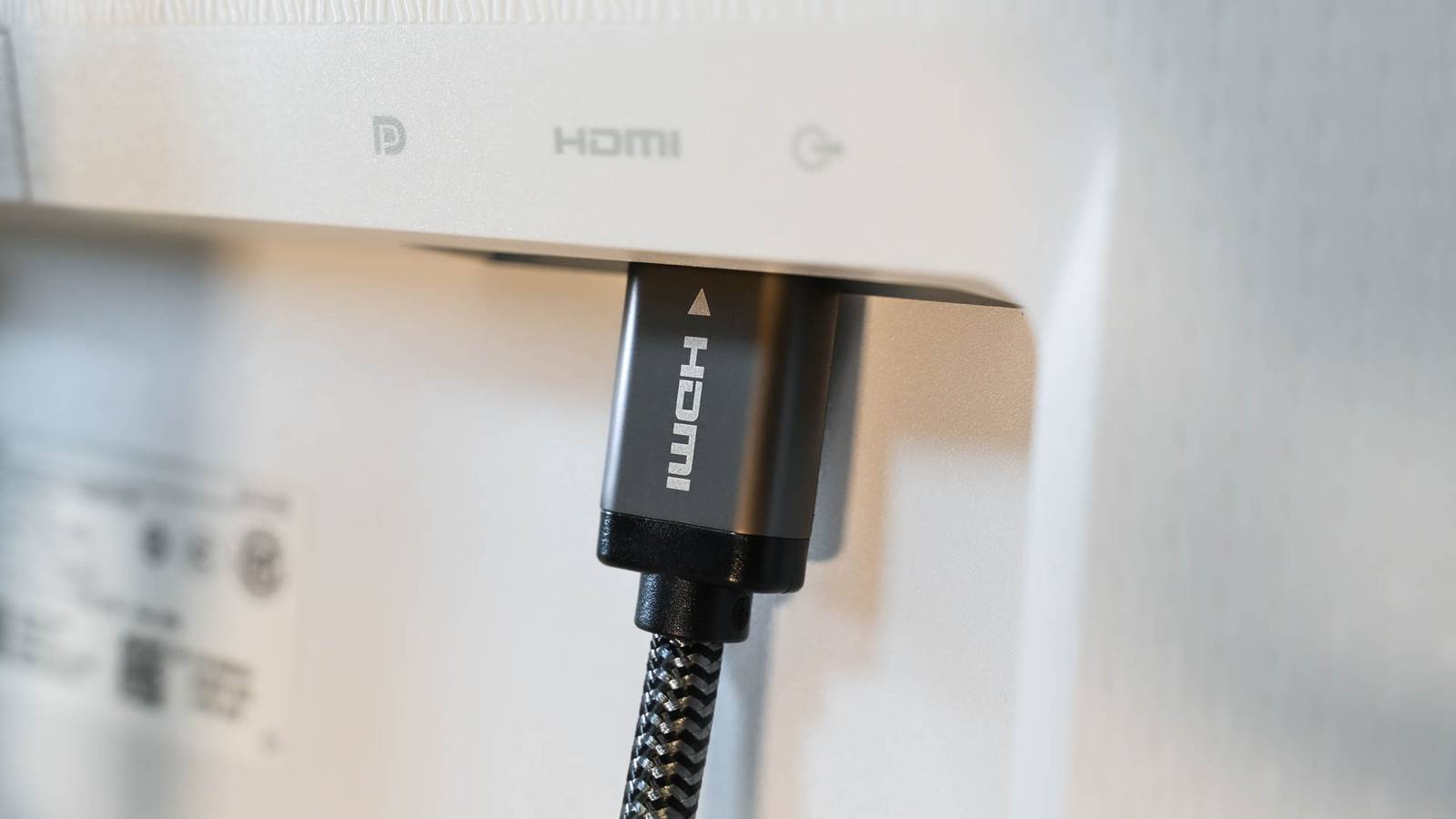
How to tell if you're using the wrong HDMI cable
How-To Geek••technology
Key Points:
- HDMI cables look very similar externally, making it difficult to distinguish their specifications just by appearance, as the connector design has remained unchanged since 2010.
- Different HDMI versions (1.4, 2.0, 2.1) correspond to increasing bandwidth capabilities, enabling higher resolutions and refresh rates, with cable types labeled as High Speed, Premium High Speed, Ultra High Speed, and Ultra96 HDMI.
- Using an HDMI cable with insufficient bandwidth can limit display resolution and refresh rate, disable advanced features like VRR or eARC, and cause flickering or connection issues.
- Identifying the actual HDMI cable type can be done by checking imprints on the cable or connector housing, scanning QR codes on newer cables, or reviewing original