AI Image
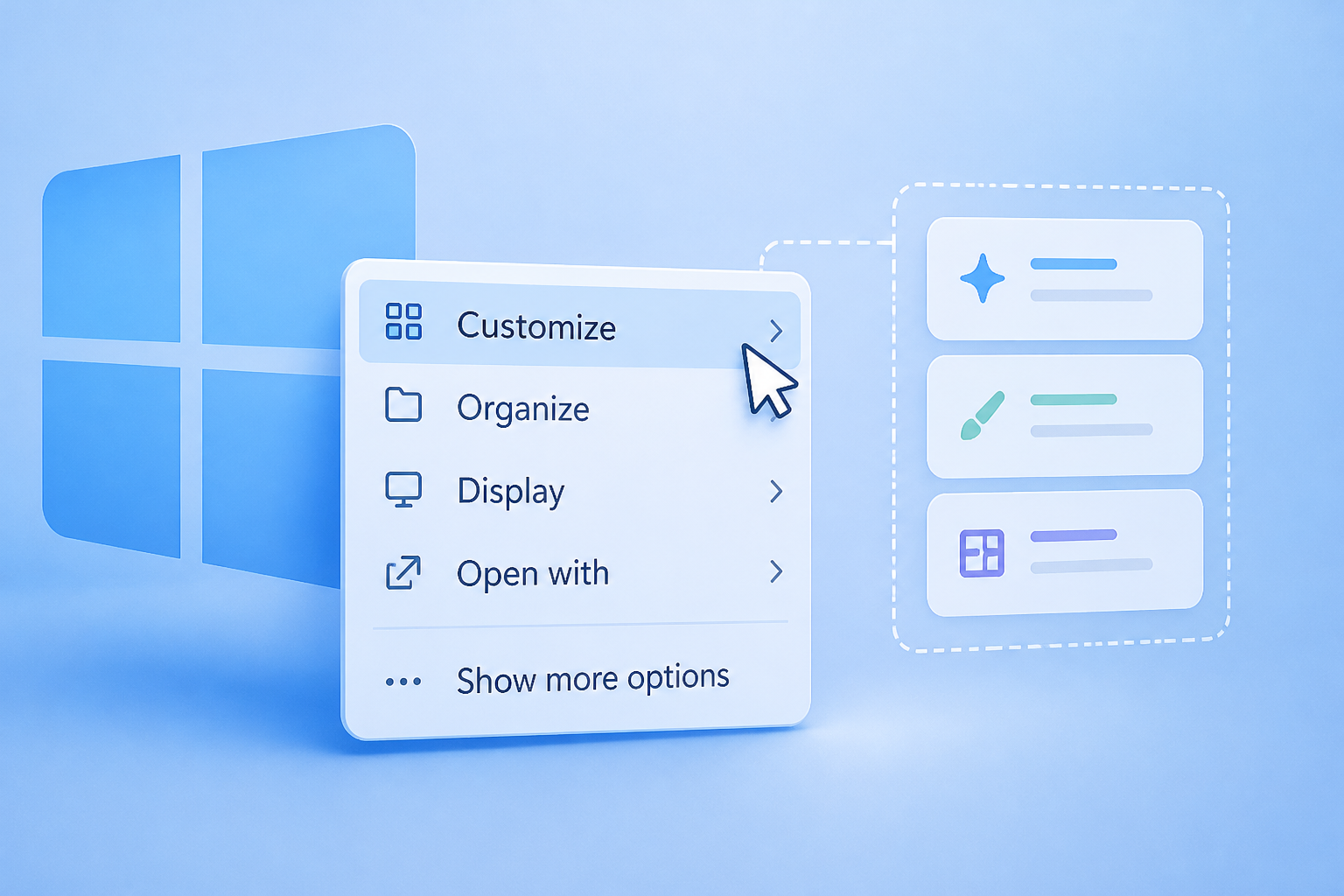
I tried Windows 11’s customizable right
ZDNET • • technology
Key Points:
- Microsoft has introduced a customizable right-click menu in Windows 11 Insider Beta, allowing users to add, remove, and rearrange menu items to reduce clutter and improve usability.
- The new menu lets users toggle common file actions, select which apps appear (including third-party apps), and customize the placement of standard commands like Cut, Copy, Paste, and cloud-storage options.
- To try the feature, users must join the Windows Insider Program on the Beta channel and install the latest updates, with a recommendation to use a non-primary PC due to potential instability.
- Microsoft aims to make the right-click menu faster, cleaner, and more personalized, with plans to refine it based on Insider feedback and potentially launch it officially by the end of the year.
- While the customizable menu improves usability, the older-style menu remains accessible, though some users hope Microsoft will eventually remove it to streamline the experience further.


