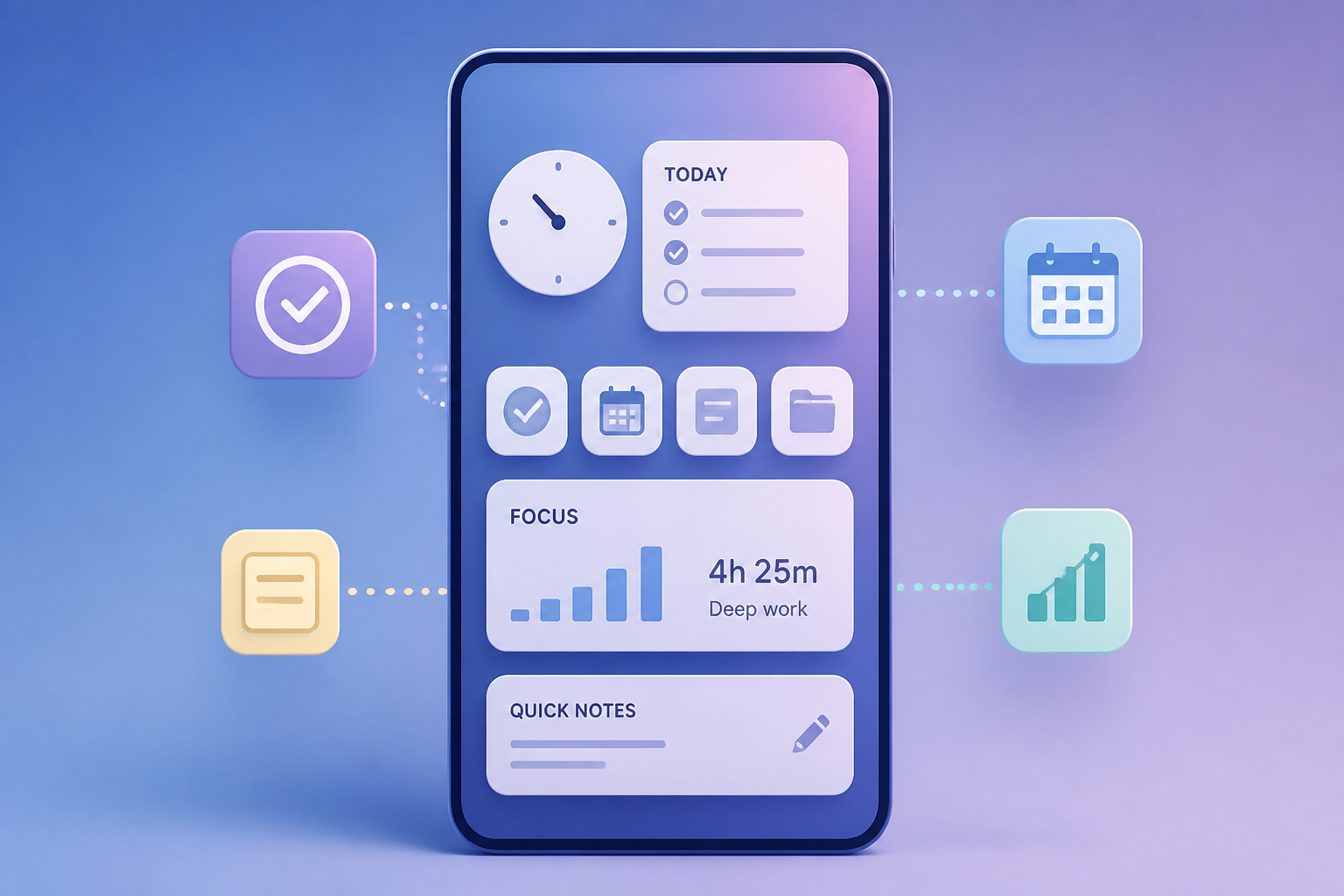
AI Generated Image
I turned my Samsung Galaxy home screen into a practical productivity hub; it's awesome
Android Police • • technology
Key Points:
- The author transformed their Samsung Galaxy home screen from a visually pleasing but inefficient grid of apps into a productivity-focused hub using built-in One UI features.
- Key changes include adding a large Samsung Calendar widget for quick schedule views and using stacked widgets to save screen space while displaying multiple useful dashboards.
- Samsung’s Edge panels are utilized as a hidden toolbox for less frequently used utilities and quick access to favorite contacts and task shortcuts, keeping the main screen uncluttered.
- Routine shortcuts for modes like Sleep and Theatre automate repetitive tasks with a single tap, simplifying daily phone management.
- This redesign leverages existing One UI tools intentionally, resulting in a clean home screen that enhances productivity without needing third-party apps or major launcher changes.


