AI Image
Improve Your Apple CarPlay Experience By Doing These Simple Things
Engadget • • technology
Key Points:
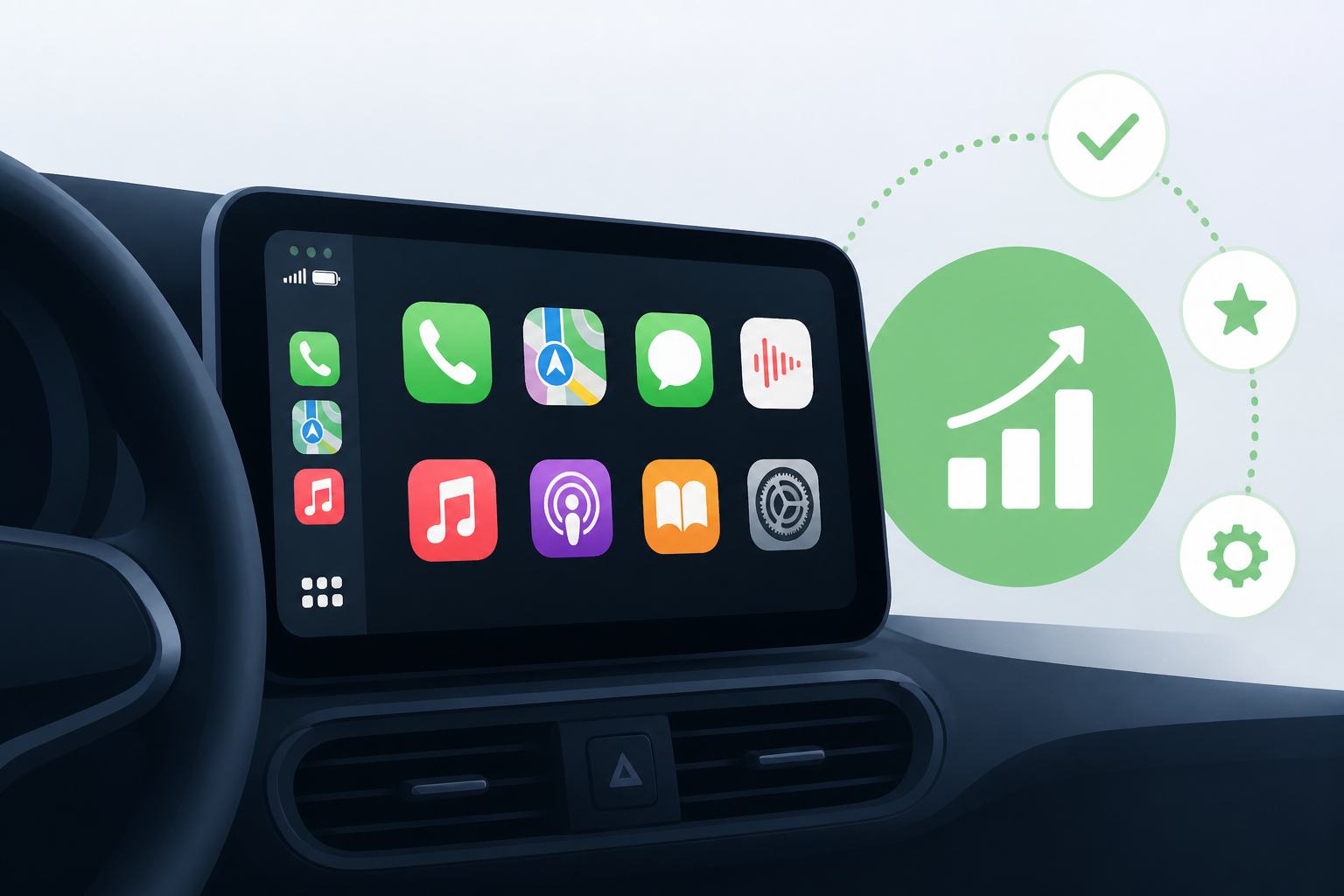
- CarPlay transforms your iPhone into a car infotainment hub, and with iOS 27, new updates and customization options enhance navigation, communication, and entertainment during commutes.
- You can customize CarPlay’s app layout by rearranging icons directly on your iPhone under Settings > General > CarPlay, prioritizing your most-used apps for quick access on your car’s display.
- CarPlay widgets introduced in iOS 26 allow you to add quick views like weather and calendar to your car’s screen, with smart rotation and suggestions to optimize widget display throughout the day.
- Additional personalization includes toggling light/dark mode, changing wallpaper and icon colors, and adjusting Siri settings for better voice control and fewer interruptions while driving.
- Features like Driving Focus reduce distractions by managing notifications, and using wired connections helps keep your phone charged on long trips; you can also pin frequent conversations and create CarPlay automations with the Shortcuts app.


