My Favorite Way To Watch Classic VHS Movies Is In Retro Rewind
Kotaku • • technology
Key Points:
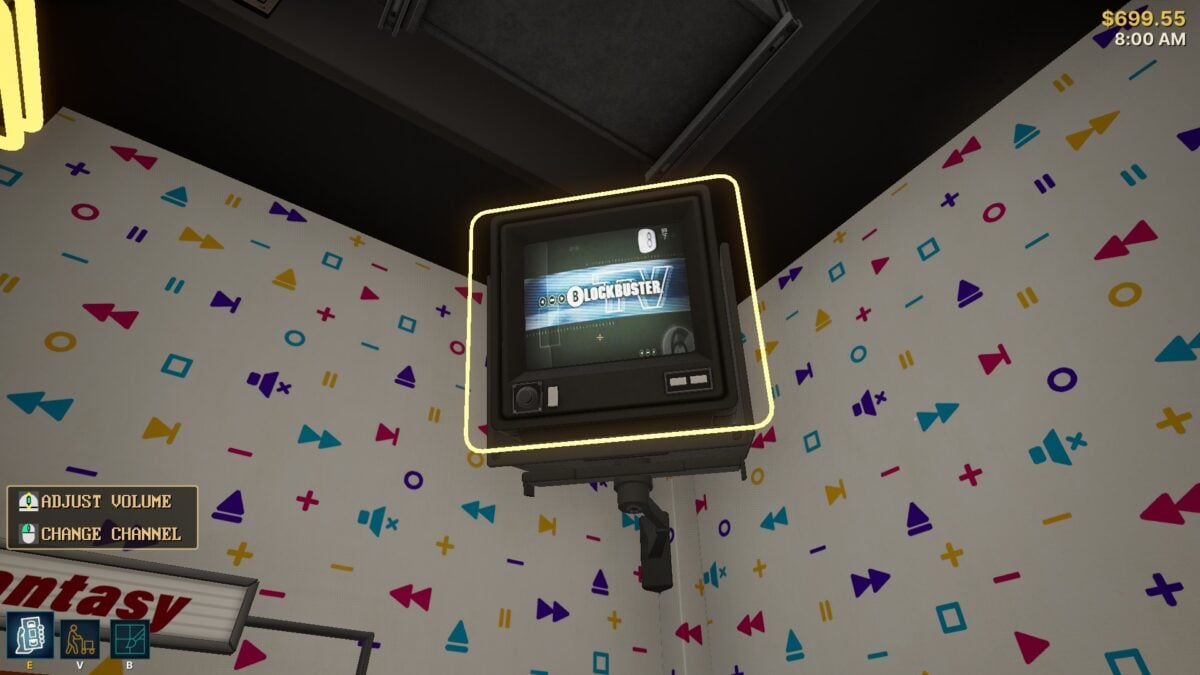
- Retro Rewind is a recently released video rental store simulator on Steam that allows players to run a ’90s-era rental shop, featuring TVs that can play custom videos.
- Players can replace default in-game clips with their own video files, enabling them to watch full movies, trailers, commercials, or cartoons on the store’s TVs by adding custom video content.
- To add videos, users must download their desired content, convert it to MP4 format with H.264 encoding and a resolution of 512x512 using a tool like Handbrake, then place the converted files into specific game folders.
- Currently, Retro Rewind supports three TV channels—Police, Sci-Fi, and Public—each allowing one custom video file, so users need to combine multiple clips into one longer video if desired.
- This feature offers a nostalgic experience for players, but they should be cautious not to get distracted watching videos and neglect running their virtual rental store.


