AI Image
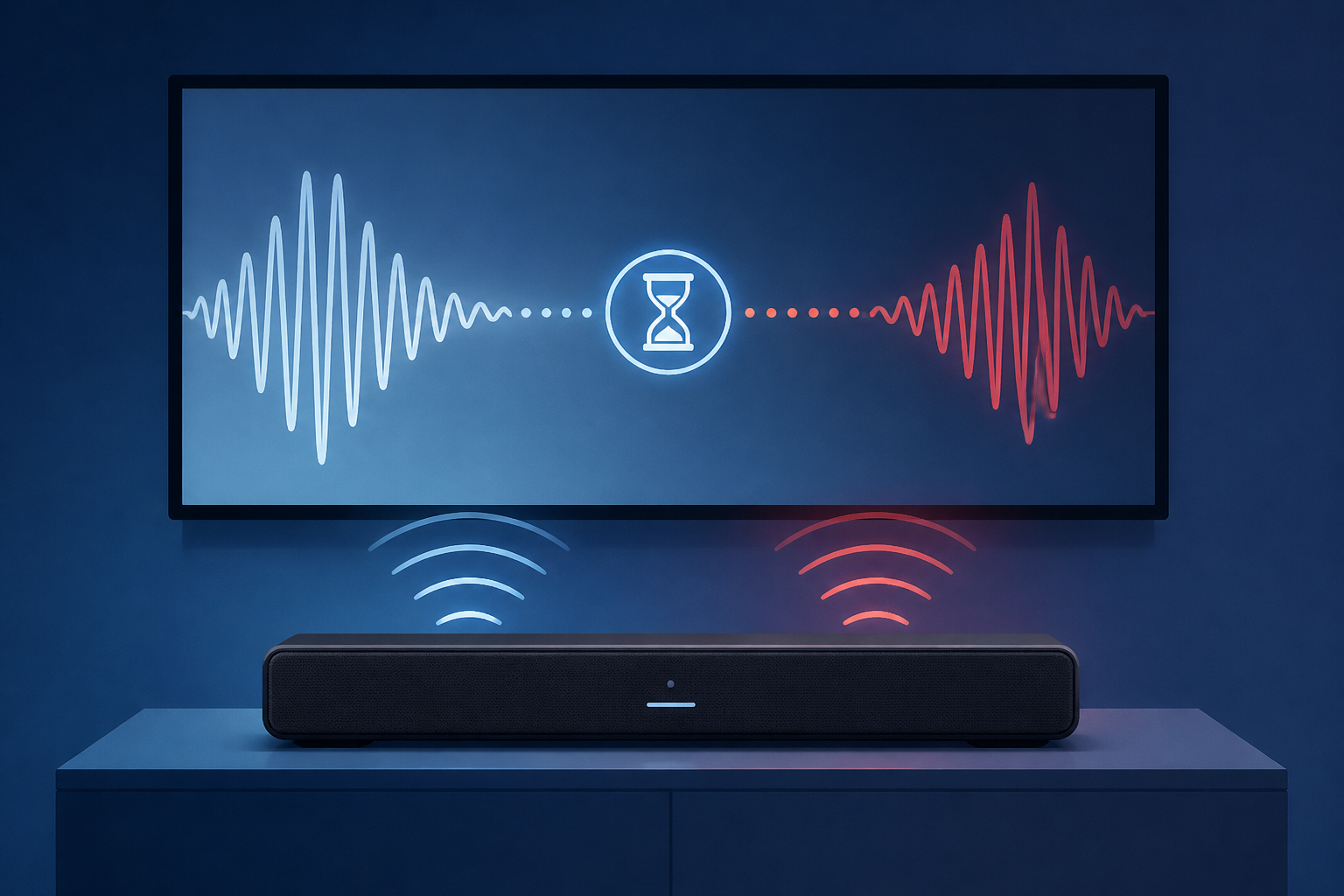
The Reasons Why Your TV Soundbar Has An Audio Delay
Engadget • • technology
Key Points:
- Audio delay between a TV and soundbar is a common issue caused by processing time differences, loose connections, or source-related problems such as cable broadcasts or streaming services.
- To fix audio sync issues, users should check cable connections, try different sources, and adjust soundbar-specific settings like Samsung's Audio Sync, LG's AV Sync, or Sonos's TV Dialog Sync features.
- Direct routing, which involves connecting source devices directly to the soundbar via HDMI and then to the TV, can bypass TV processing delays and improve audio synchronization.
- Disabling extra TV audio/video processing features (e.g., digital noise reduction, surround sound modes) and upgrading to HDMI eARC can reduce audio lag by minimizing processing time and supporting higher-quality audio transmission.
- Additional troubleshooting steps include changing audio formats to PCM or stereo, adjusting TV audio delay settings (Lip Sync, AV Sync), rebooting devices, and updating firmware to resolve potential bugs.


