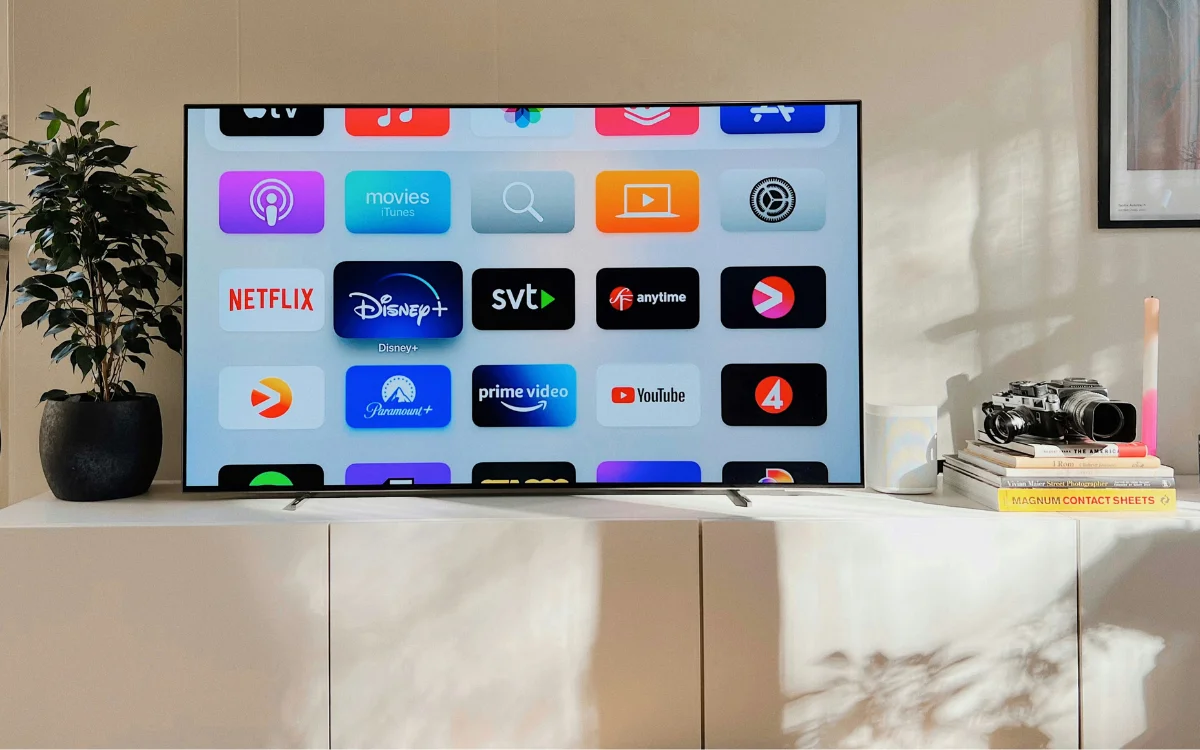
This is why you should stop connecting your Smart TV to WiFi and what you should do instead
supercarblondie.com • • technology
Key Points:
- Streaming issues on Smart TVs are often caused by weak WiFi signals, which can lead to buffering, lagging, or failure to play content.
- Switching from WiFi to a wired Ethernet connection can significantly improve streaming quality, offering speeds up to 100Mbps and reducing ping time by up to 50%.
- Ethernet cables like Cat5e and Cat8 provide reliable, high-speed connections and are recommended by manufacturers such as Samsung and Sony for a stable streaming experience.
- Setting up an Ethernet connection is straightforward: connect the cable from your router to your TV’s Ethernet port and select the Wired Connection option in the TV settings.
- While Ethernet improves current streaming speeds, researchers in Japan have demonstrated experimental data transmission rates of over


