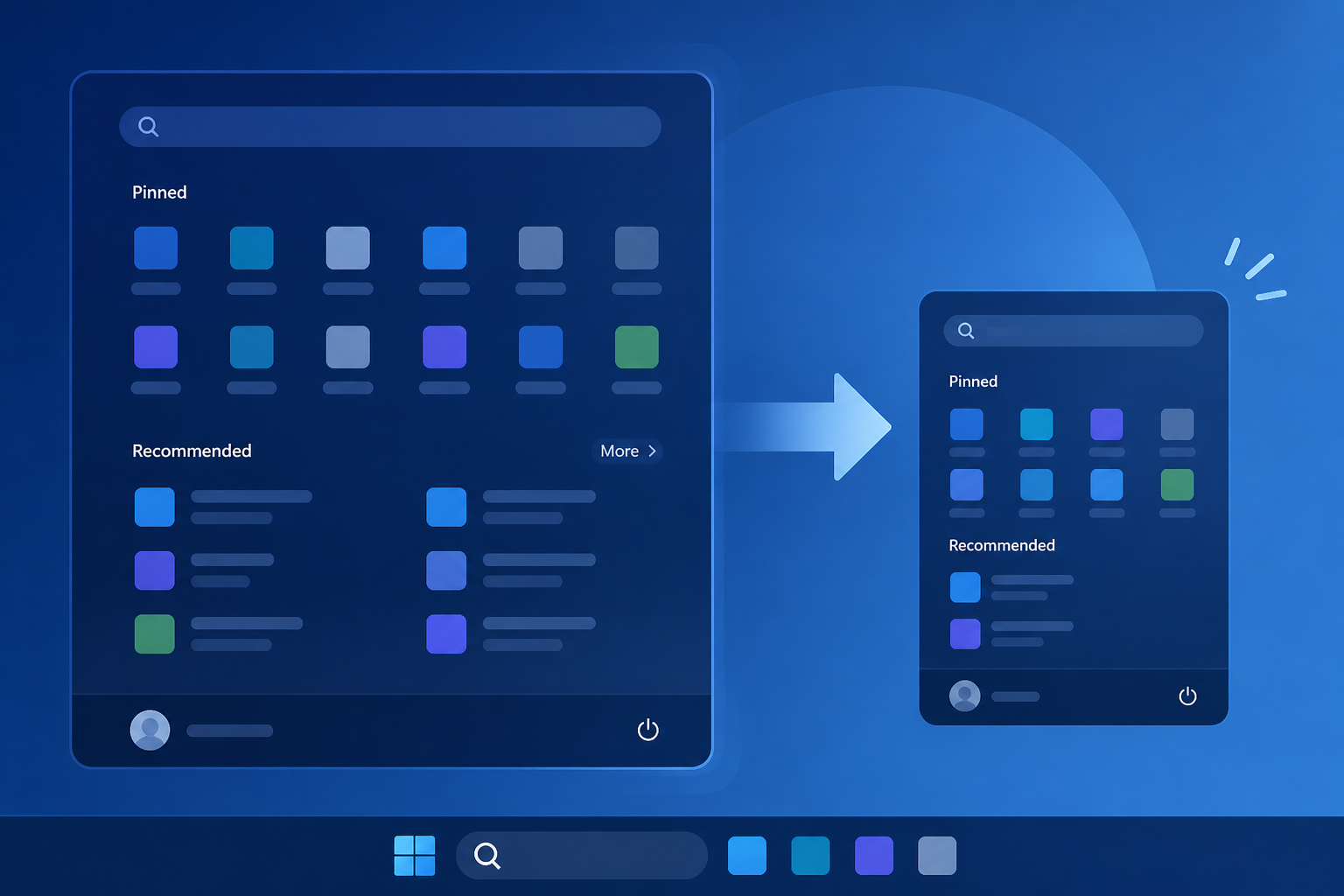
AI Generated Image
Windows 11 users were right about the giant Start menu, and Microsoft now lets you shrink it using these steps
Windows Latest • • technology
Key Points:
- The August optional Windows 11 update (KB5120998) introduces a customizable Start menu that allows users to shrink its size, hide sections, and stop it from occupying nearly 90% of the screen as previously complained.
- The new Start menu features three sections—Pinned apps, Recent, and All apps—with independent toggles to show or hide each, plus three size options: Automatic, Small, and Large; users can also hide their name and profile picture.
- Microsoft is rolling out this feature gradually via Controlled Feature Rollout, but users can force-enable it immediately using the third-party ViVeTool utility by activating specific feature IDs.
- Despite improvements, the Start menu still lacks free edge resizing like in Windows 10, and some UI components remain heavy, though performance benefits from Low Latency Profile are noted.
- Users should be cautious installing the optional update due to known cursor resizing and wallpaper bugs, with fixes expected in future updates; the feature will also be included in the September Patch Tuesday update.


