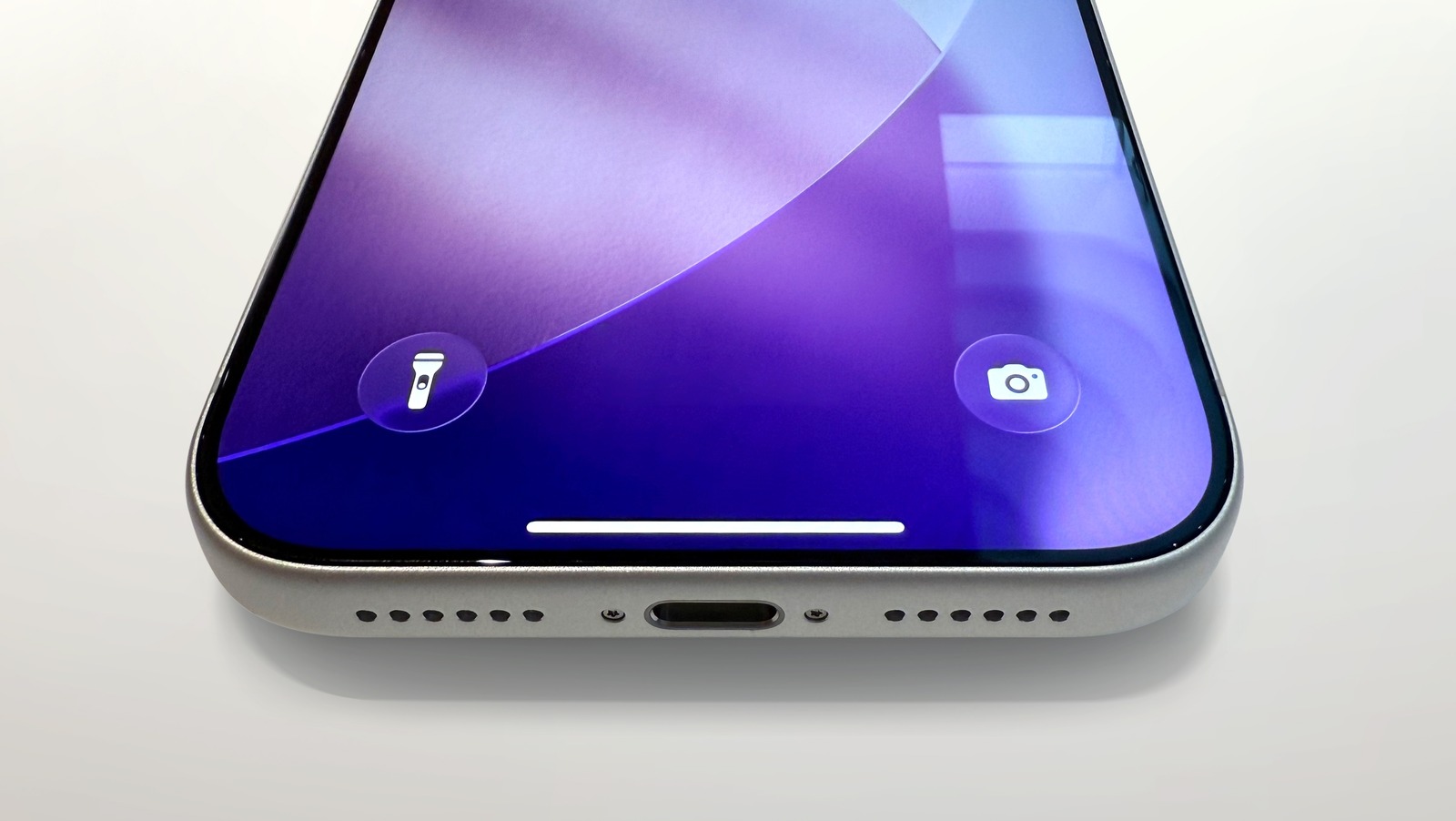
You Can Turn On Your iPhone's Flashlight Without Touching It - Here's How
bgr.com • • technology
Key Points:
- The iPhone flashlight can be accessed via the lock screen, control center, or activated hands-free through Siri voice commands by saying "Hey Siri, turn on/off the flashlight."
- Users can create custom voice commands for the flashlight using Vocal Shortcuts in Accessibility settings, such as "Lumos" and "Nox," though these shortcuts do not work when the phone is locked.
- The flashlight icon can be added or removed from the lock screen and control center through customization options in settings, allowing users to tailor quick access based on preference.
- On iPhone 15 Pro and later models, the flashlight can be linked to the action button for quick toggling, replacing any existing action assigned to that button.
- The hidden Back Tap feature in


