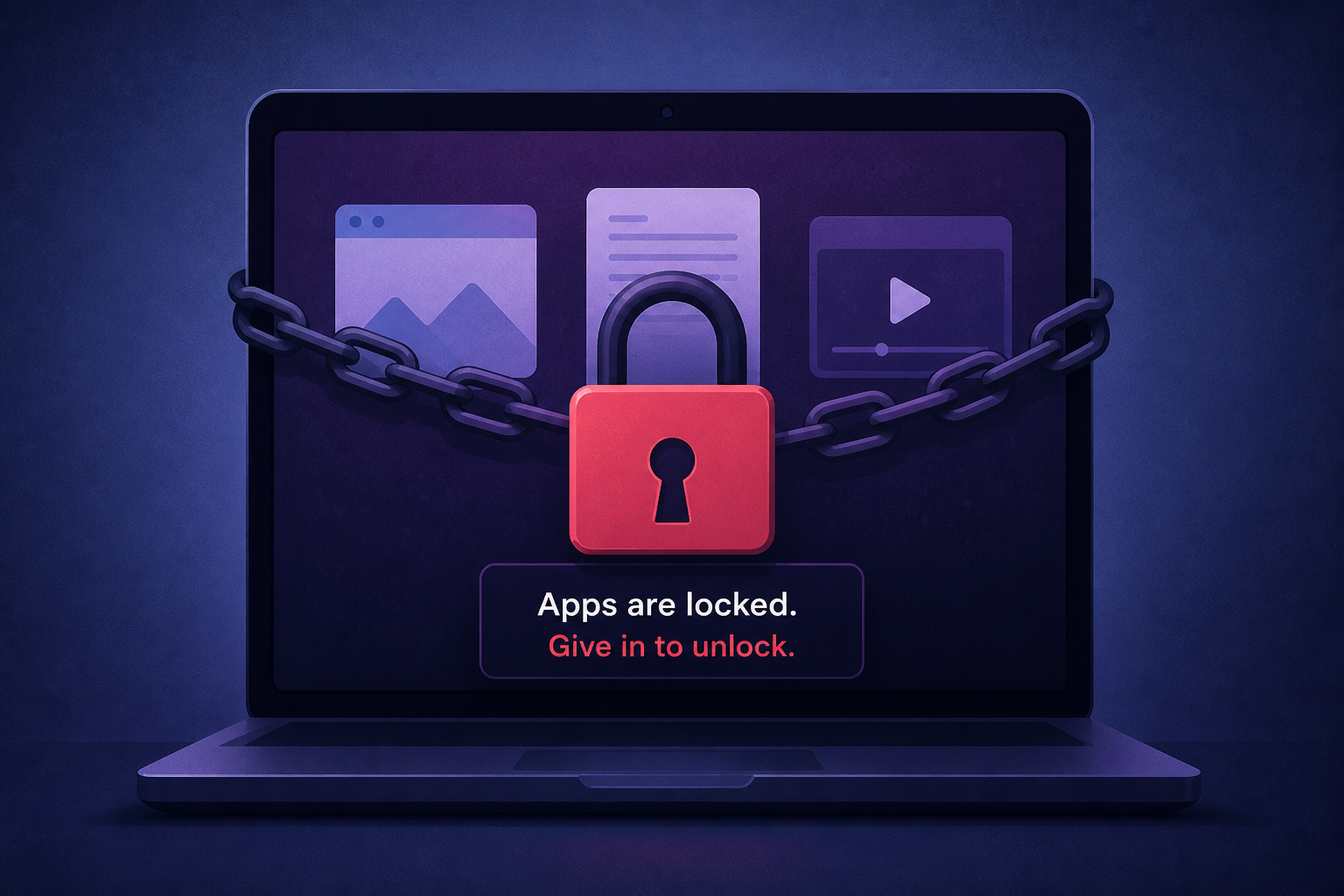
AI Generated Image
ClickLock Mac malware locks apps until you give in
Fox News • • technology
Key Points:
- A new Mac malware called ClickLock tricks users into pasting a command into Terminal via a fake "verify you are human" page, which then downloads malicious software and steals sensitive data including passwords, browser info, and cryptocurrency wallets.
- ClickLock uses deceptive tactics such as fake macOS password prompts and app-closing loops to pressure users into entering their login password, which it then captures and sends to attackers, while also installing a persistent backdoor for remote access.
- The malware campaign has targeted at least 100 systems across 33 countries since May 2026, initially going undetected by security tools on VirusTotal, and spreads through a ClickFix-style lure that convinces users to run harmful commands.
- To protect against ClickLock, users should never run Terminal commands from untrusted websites, avoid entering passwords into unexpected prompts, keep macOS updated, use strong antivirus software, and shut down their Mac immediately if apps start closing repeatedly.
- If infected, users are advised to start their Mac in Safe Mode, disconnect from the internet, seek professional help to remove the persistent backdoor, and secure all important accounts from a separate trusted device by changing passwords and reviewing connected devices.


