AI Image
Skip the Touch ID Scan: Unlock iPhone Duo With Apple Watch
MacRumors • • general
Key Points:
- The iPhone Duo uses a Touch ID sensor integrated into the side button for authentication, which some may view as a step back from the Face ID technology used in previous iPhones.
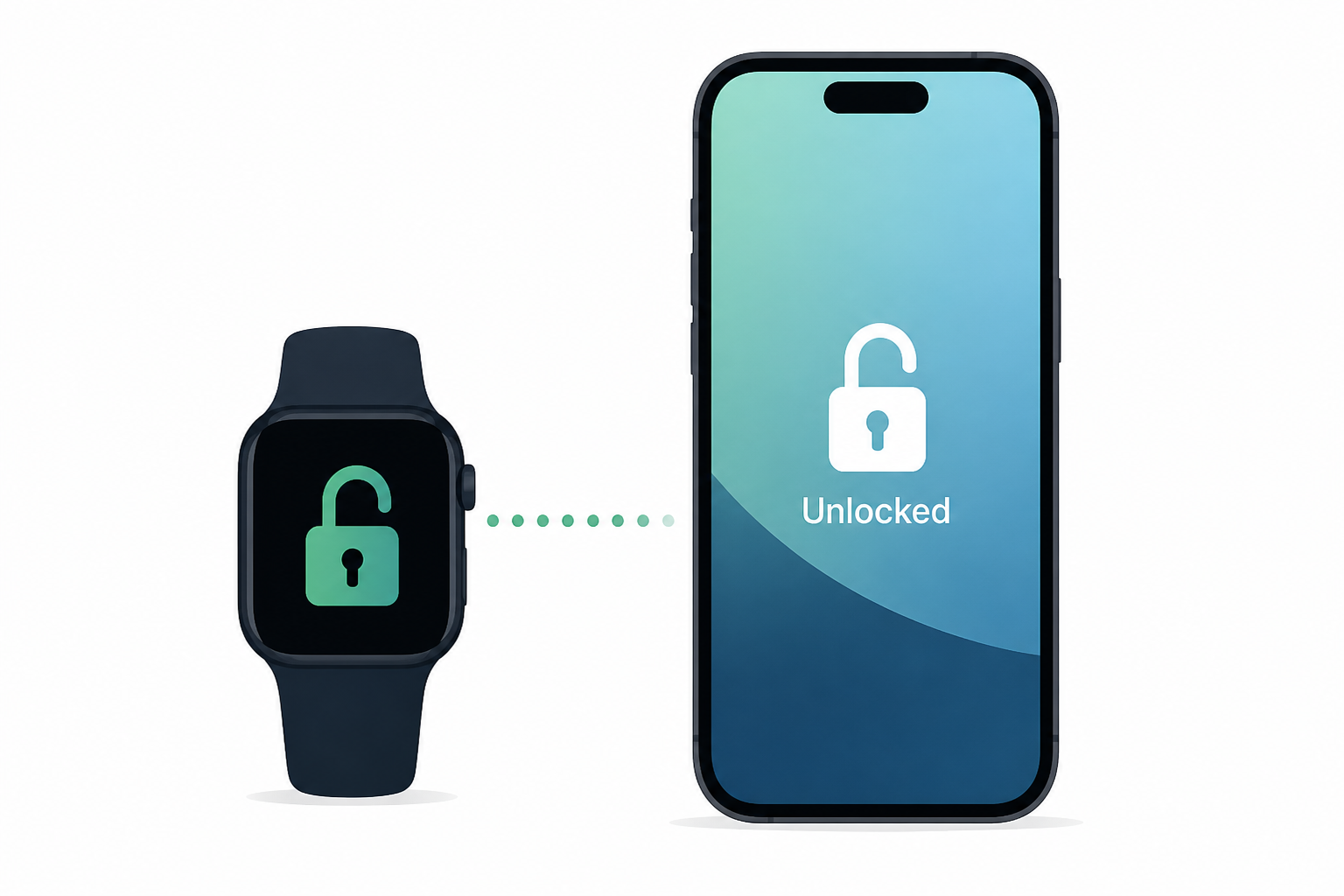
- Users with an Apple Watch Series 9 or later, Ultra 2 or later, or SE 3 can use the "Unlock with Apple Watch" feature to unlock their iPhone Duo without touching the side button.
- To enable this feature, users need to go to Settings > Touch ID & Passcode > Unlock with Nearby Devices and toggle on their Apple Watch.
- Once set up, unlocking the iPhone Duo involves waking the device and swiping up on the Lock Screen, after which the Apple Watch handles authentication seamlessly.
- The swipe-up step can be disabled in Settings for an even more streamlined unlocking experience.


