AI Generated Image
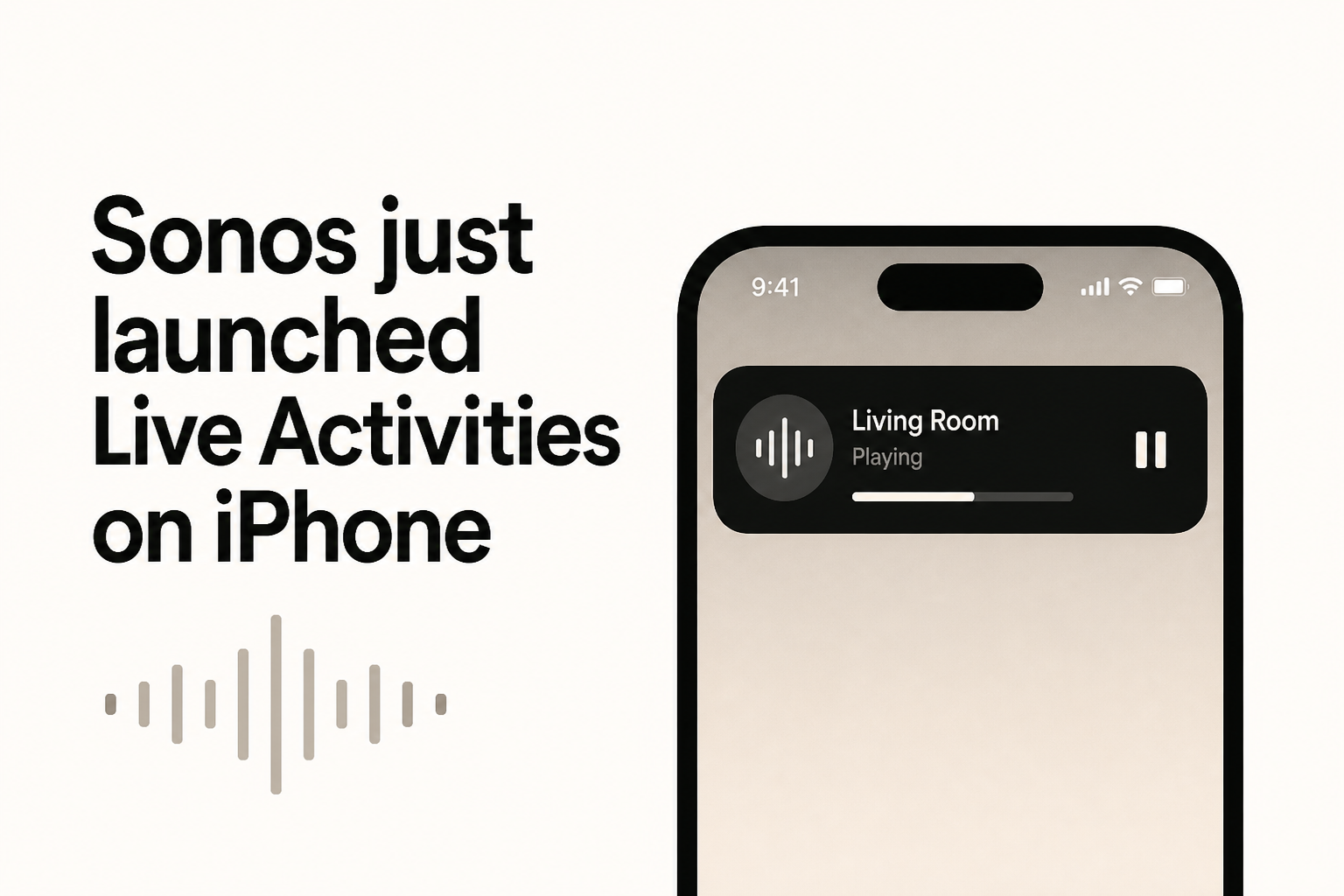
Sonos just launched Live Activities on iPhone
9to5Mac • • general
Key Points:
- Sonos has introduced Live Activities in its latest iOS app update, allowing users to control playback conveniently from the iPhone Lock Screen once playback is initiated and the app is closed.
- The Live Activity displays the current room or group playing audio and disappears 15 minutes after playback stops, but users must unlock their iPhone to make playback changes.
- Album art is not yet supported in Live Activities, and although the feature works on CarPlay and Apple Watch, playback controls are currently unavailable on those platforms.
- Users can disable Live Activities in the app settings if desired, and playback controls remain functional when using AirPlay, Bluetooth, or other supported services outside the Sonos app.
- This update follows previous user feedback and a controversial app redesign, marking a gradual return of requested features by Sonos.


