Author
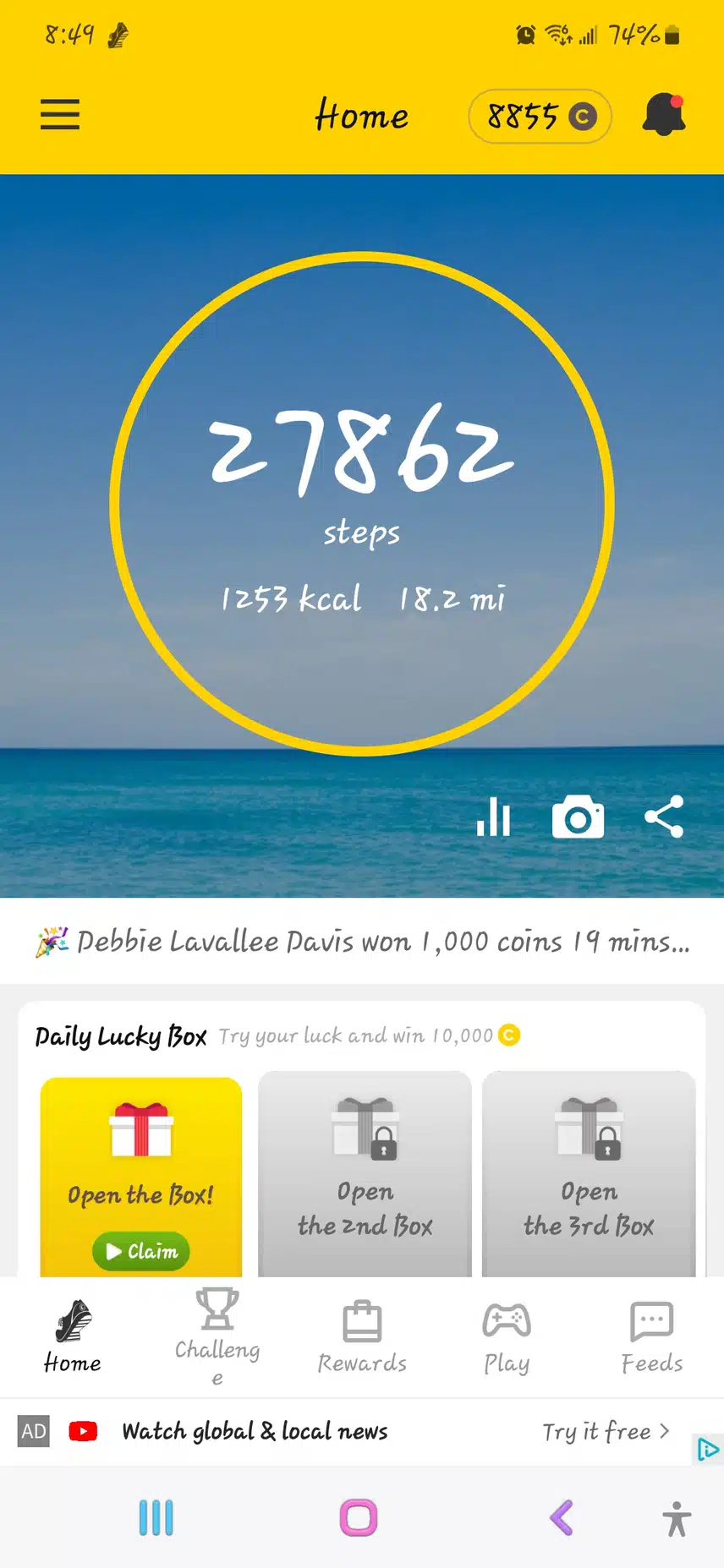
Y’all help me out; so I just got the app on my iPad and the steps are not working, what should I do?
2022.11.21 00:49
Comments2

Popular in USA
Ranked by comments, likes, and saves from the last 24 hours
Ranked by comments, likes, and saves from the last 7 days
Ranked by comments, likes, and saves from the last 30 days
- 02
Walking[0]
131126.11.12 - 03CommentsGoing strong myself7,9782042826.08.31
- 02CommentsGoing strong myself7,9782042826.08.31
- 03CommentsYeah, Happy Belated Birthday Sharra!!!! 🎈🎁🎉🎂2,36554326.02.18

- 02CommentsGoing strong myself7,9782042826.08.31
- 0420026.11.13

- 04280026.11.08
- 06
My challenge is still ongoing🚶♀️🚶♀️🚶♀️[1]
602126.09.23 - 10
Steps[0]
150026.11.07
- 05
- 06280026.11.08
- 09
My challenge is still ongoing🚶♀️🚶♀️🚶♀️[1]
602126.09.23