Google Chrome finally gets vertical tabs and full-page reading mode
Chrome Unboxed • • technology
Key Points:
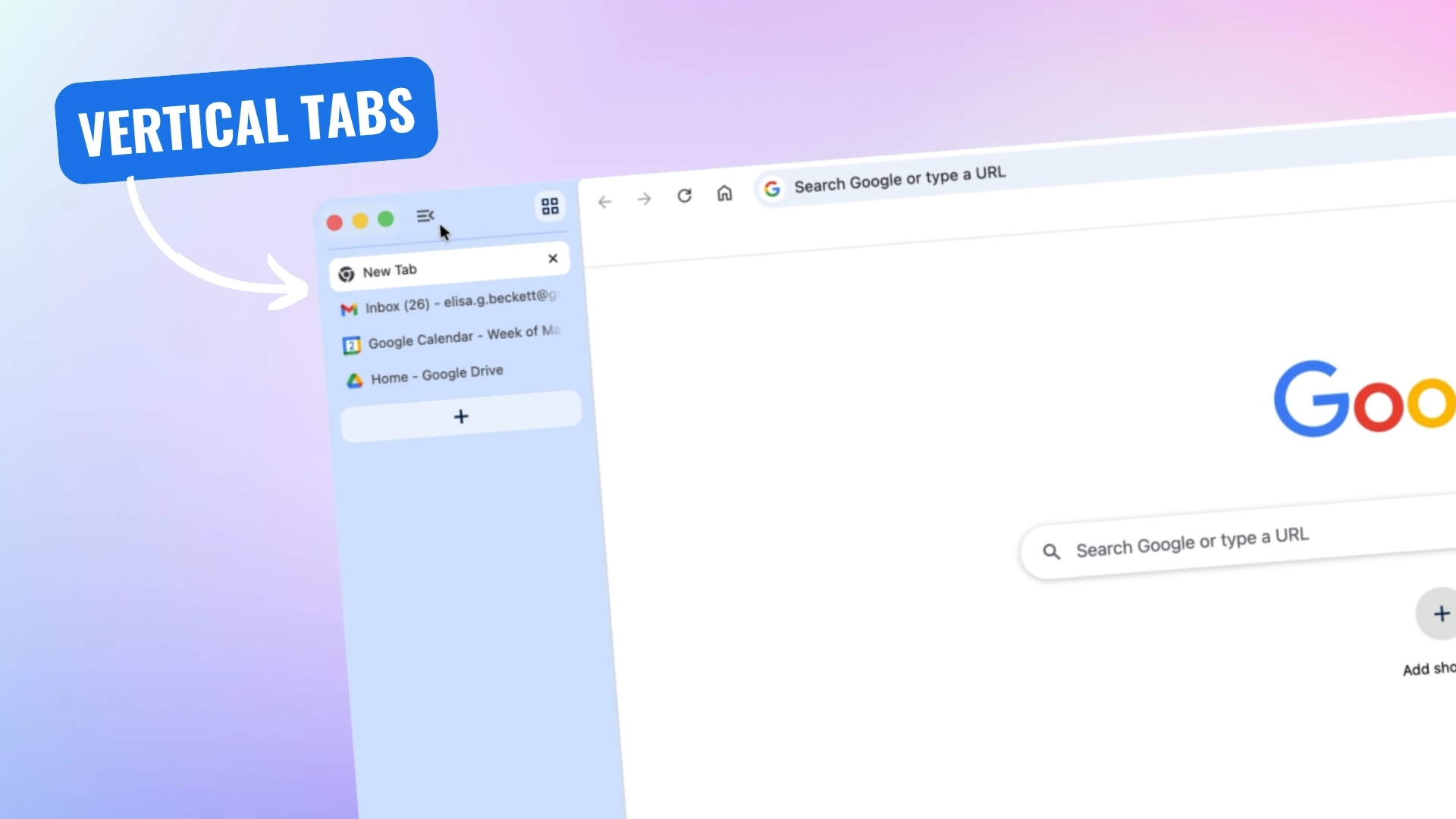
- Google has officially rolled out native vertical tabs to the stable version of Chrome, allowing users to switch from horizontal to vertical tab layout by right-clicking on any Chrome window and selecting "Show Tabs Vertically."
- Vertical tabs help reclaim vertical screen space on widescreen monitors by stacking tabs on the left side, making it easier to manage many open tabs with readable titles and customizable sidebar sizes.
- Chrome's native Reading Mode has been upgraded from a side panel to a full-page immersive interface that removes ads and distractions, providing a cleaner, text-focused reading experience.
- These updates enhance productivity and focus, bringing Chrome features closer to those offered by competing browsers, and are currently rolling out to the desktop version of Chrome.


